Extensions
The apps on top of Yapuka: free, signed, installed in one click from “Extensions” in the dock. Each card says what it does, its size and what it needs.
The extensions
-
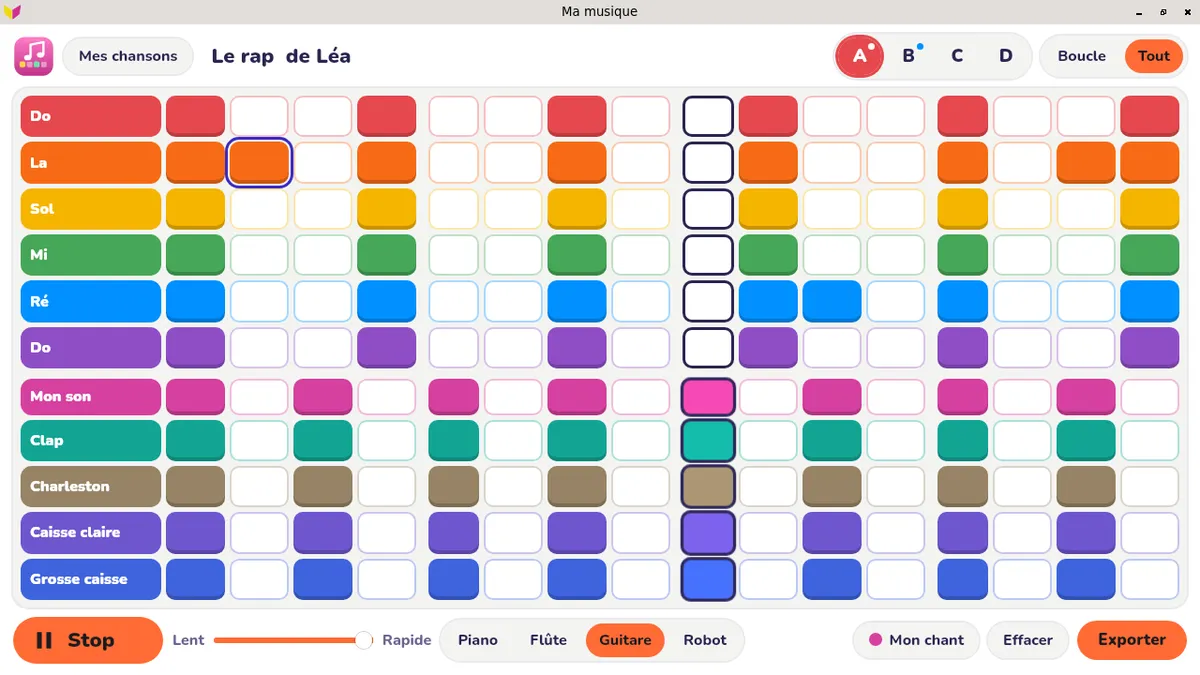
Compose rhythms and melodies by lighting up cells, with your voice as a bonus.
- Yapuka app
- Ages 5+
- Create
- Parent mode: allowed
- Works offline
-
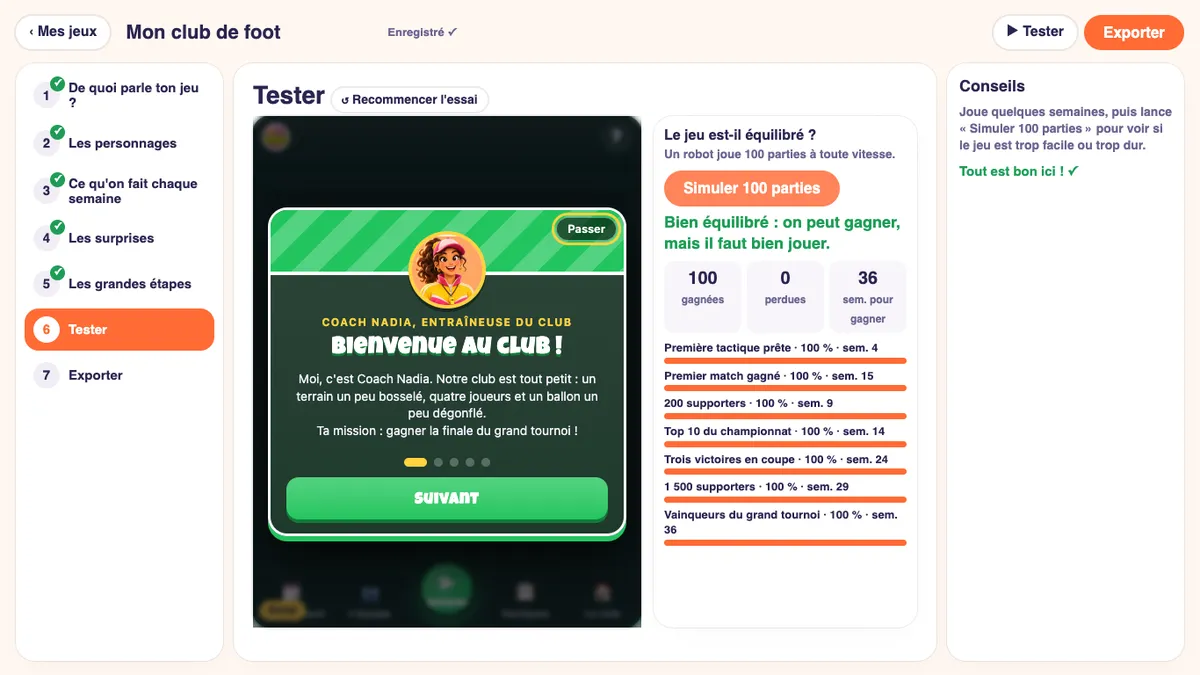
Invent your own management game, test it, then share it.
- Yapuka app
- Ages 10+
- Create
- Parent mode: allowed
- Works offline
-
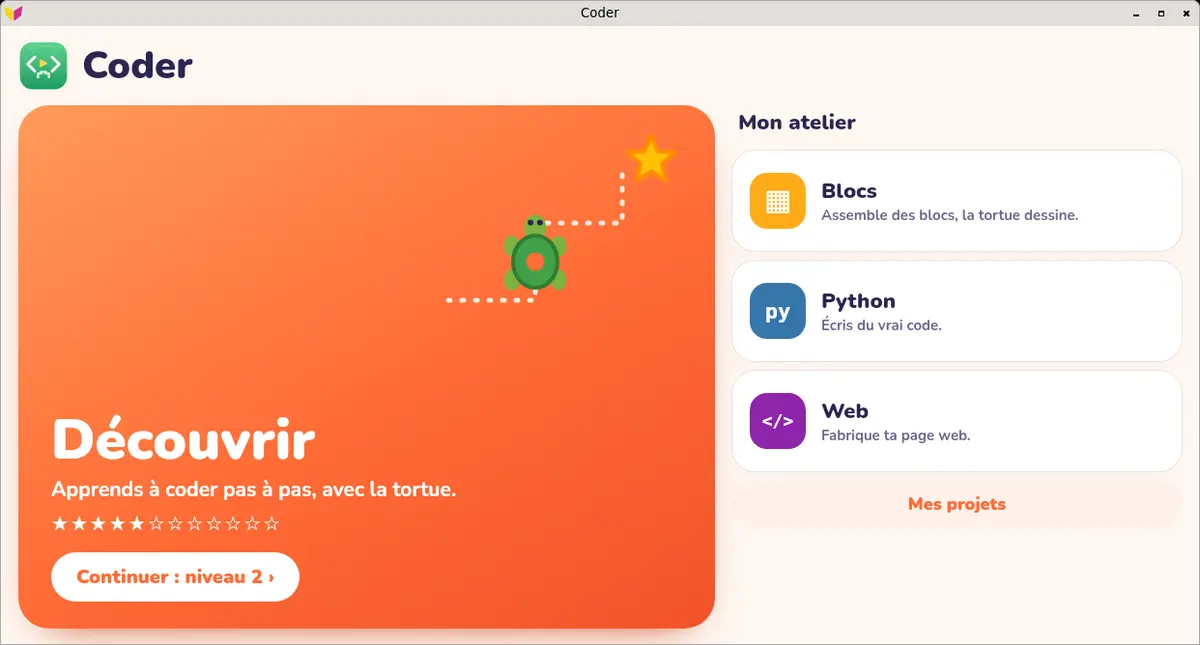
Discover programming with the turtle: blocks, Python and web pages.
- Yapuka app
- Ages 8+
- Learn
- Parent mode: allowed
- Works offline
-
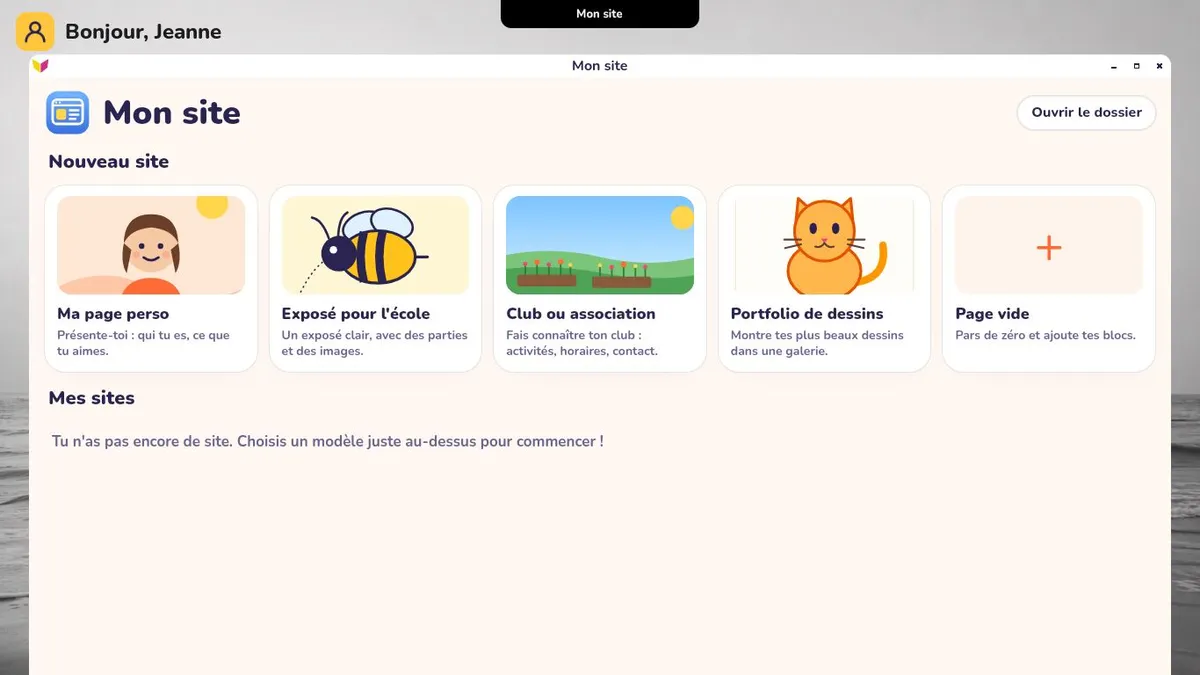
Build your website by dragging blocks, then export it.
- Yapuka app
- Ages 10+
- Create
- Parent mode: allowed
- Works offline
-
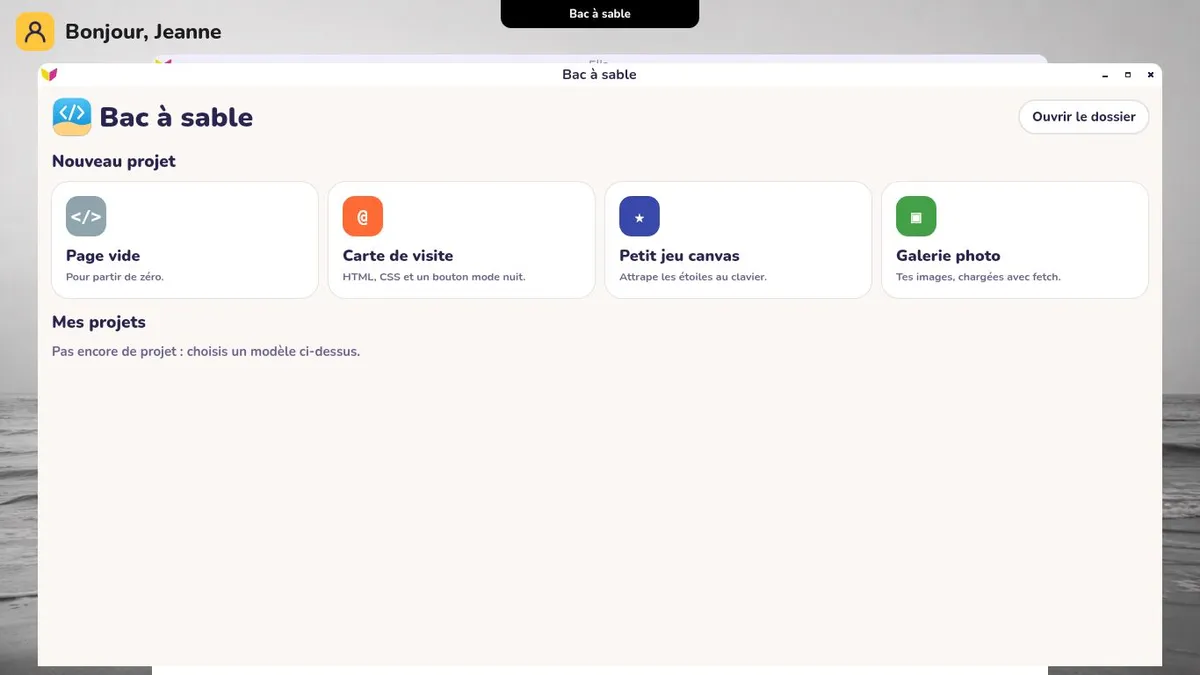
A real little web workshop: HTML, CSS and JavaScript, with a live preview.
- Yapuka app
- Ages 12+
- Learn
- Parent mode: allowed
- Works offline
-
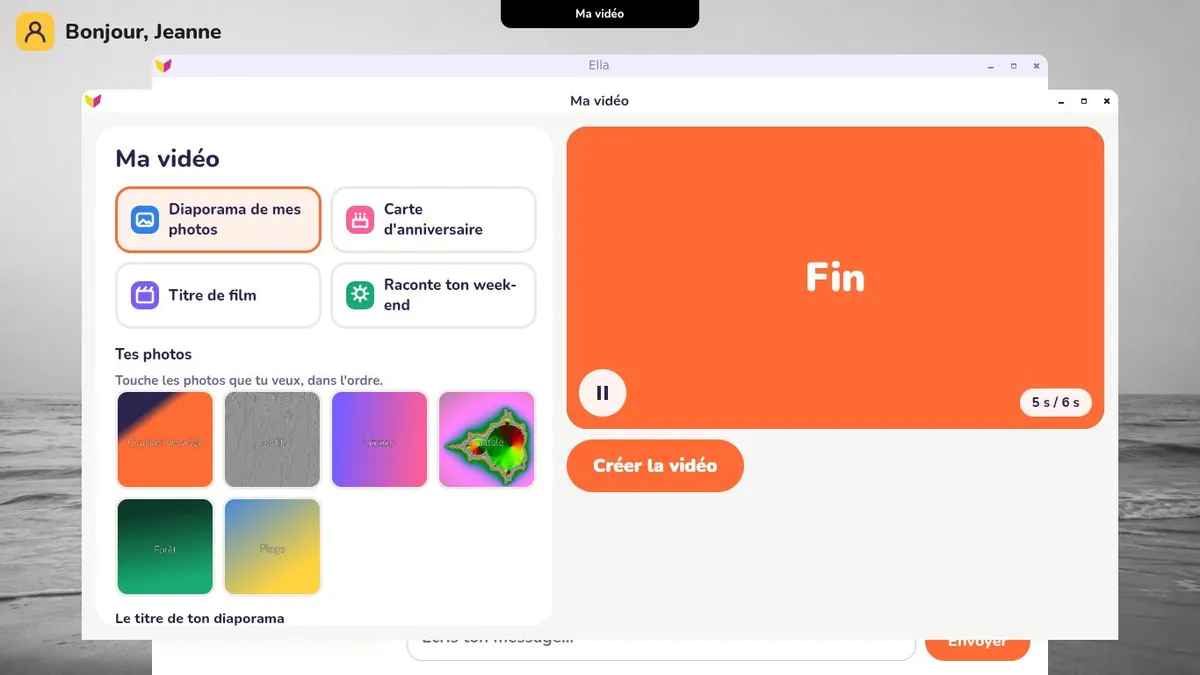
Make a little video with your photos.
- Yapuka app
- Ages 8+
- Create
- Parent mode: code asked
- Works offline
-
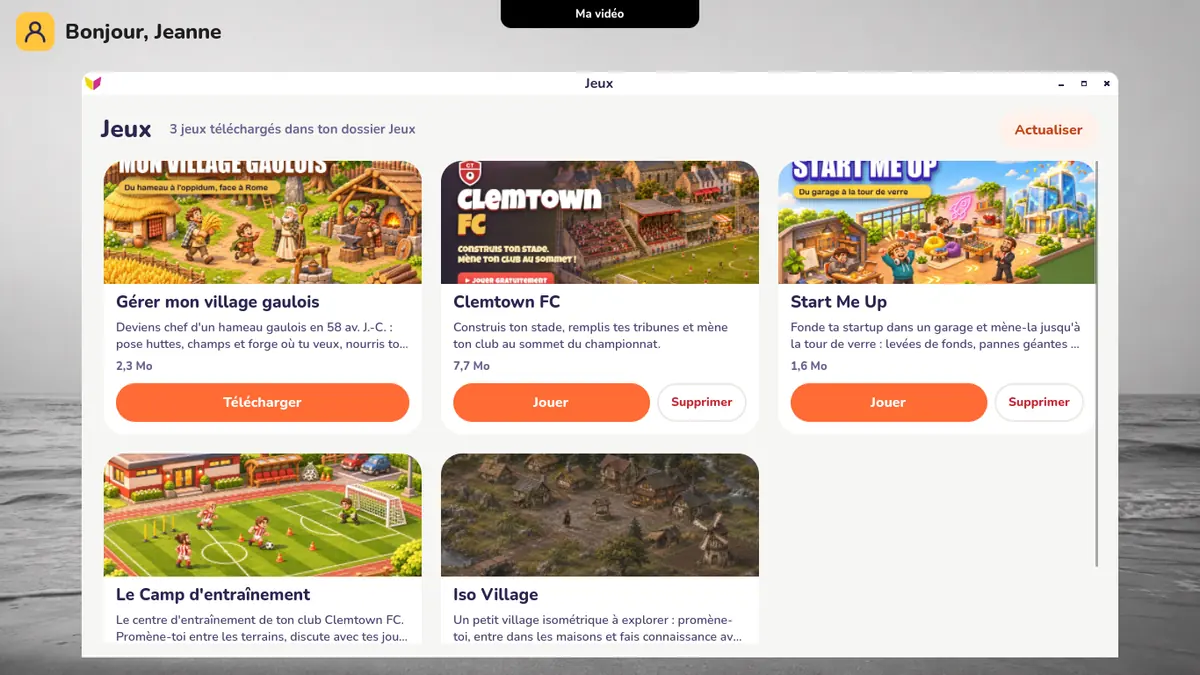
The games of the portal: download them once, play without Internet.
- Yapuka app
- All ages
- Have fun
- Parent mode: code asked
- Works offline
-
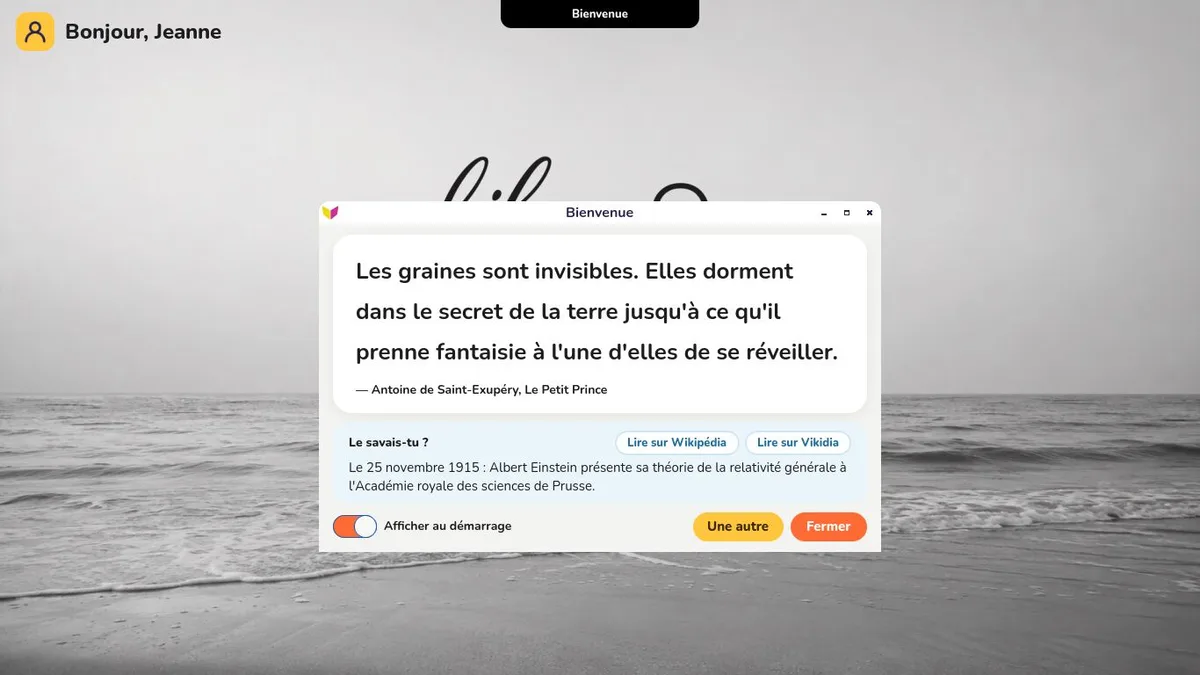
A nice thought every day, and something to discover on Wikipedia and Vikidia.
- Yapuka app
- All ages
- Learn
- Parent mode: allowed
- Works offline
-
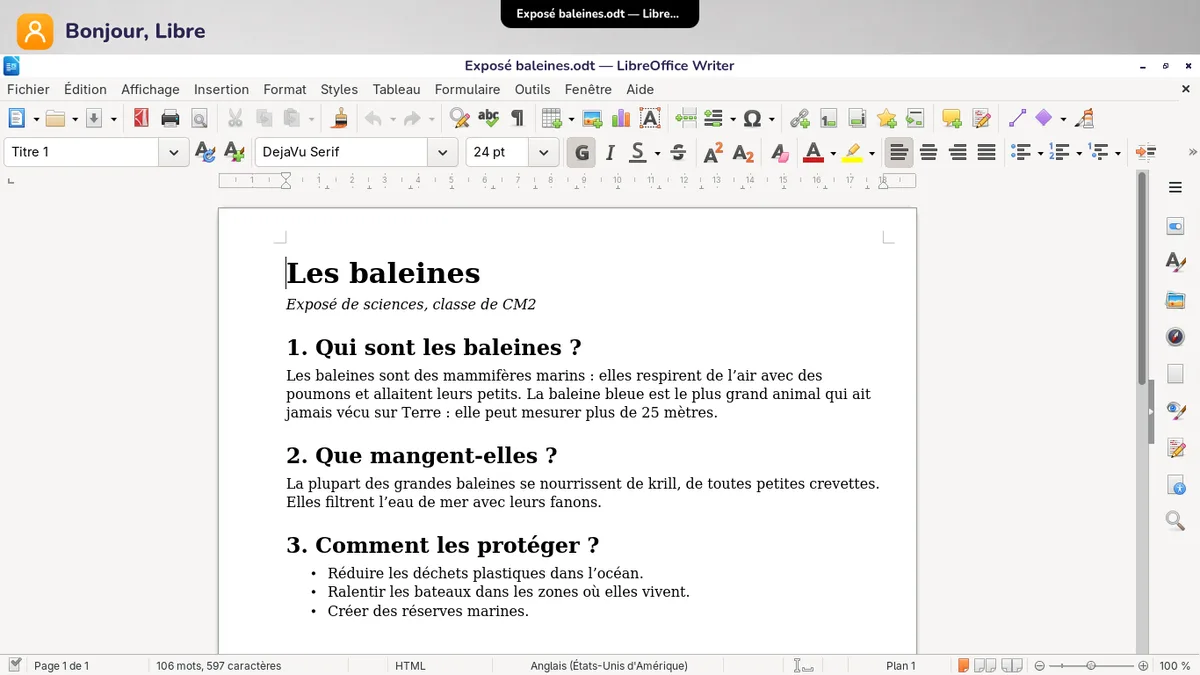
Write, calculate and present: documents, spreadsheets and slides.
- Full program
- Ages 8+
- Office and school
- Parent mode: allowed
- Works offline
-
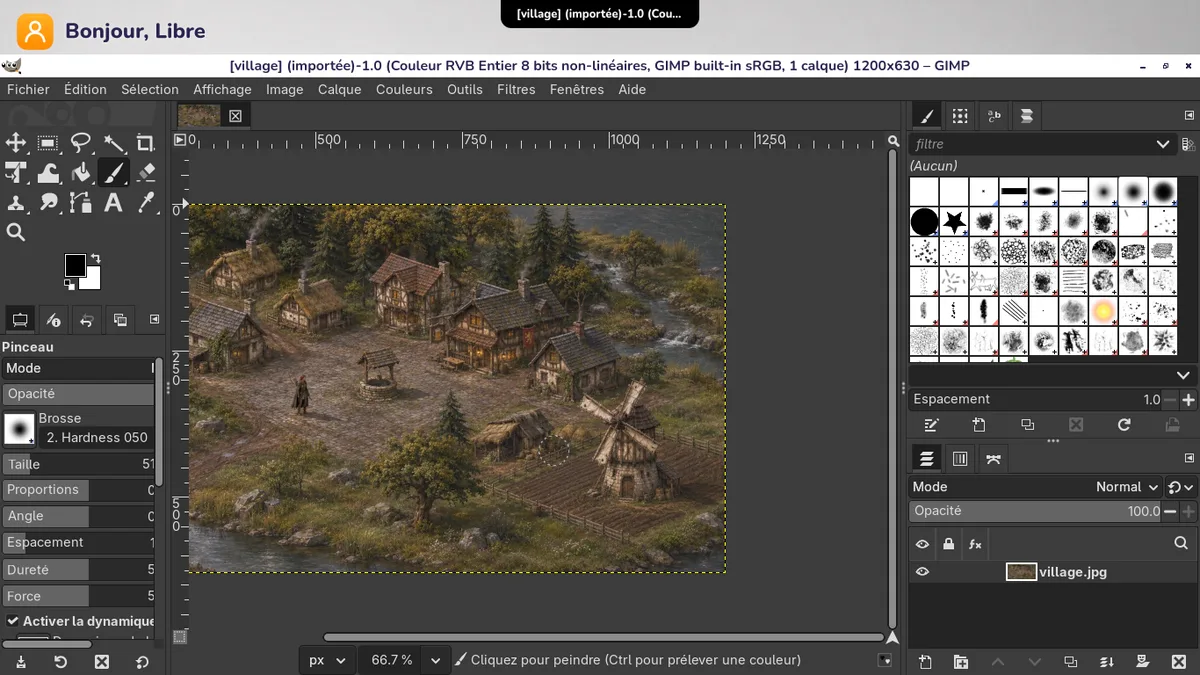
Edit your photos: crop, fix the colours, add text.
- Full program
- Ages 10+
- Create
- Parent mode: allowed
- Works offline
-
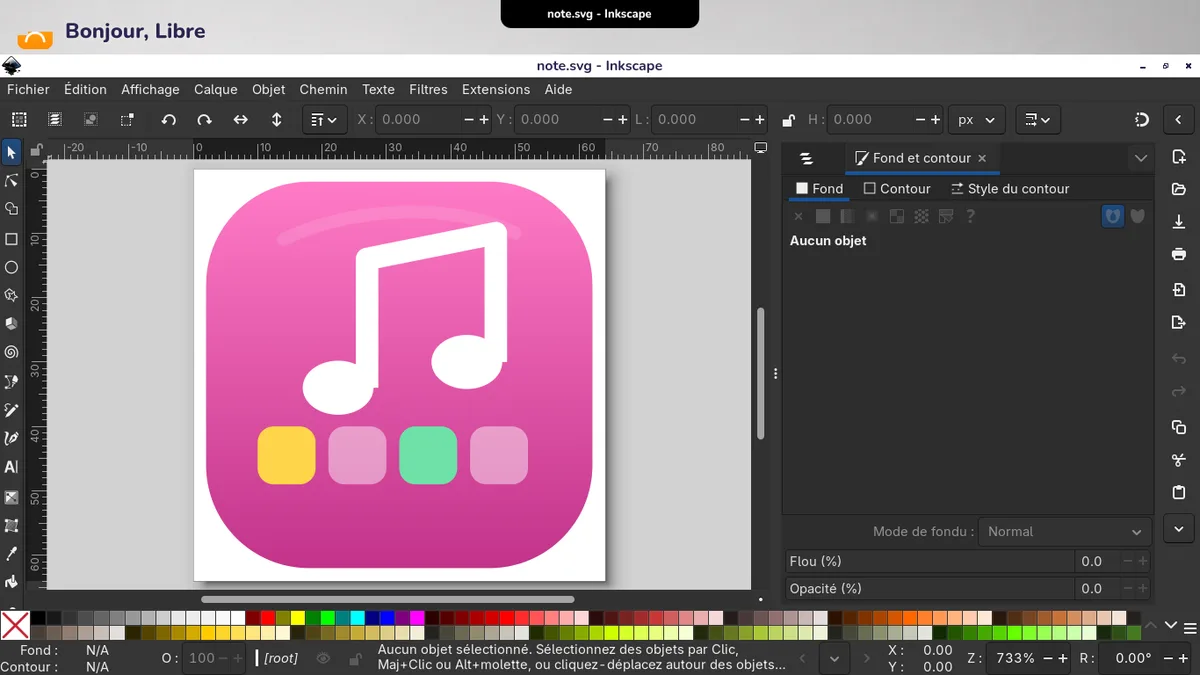
Draw logos, posters and illustrations that always stay sharp.
- Full program
- Ages 10+
- Create
- Parent mode: allowed
- Works offline
-
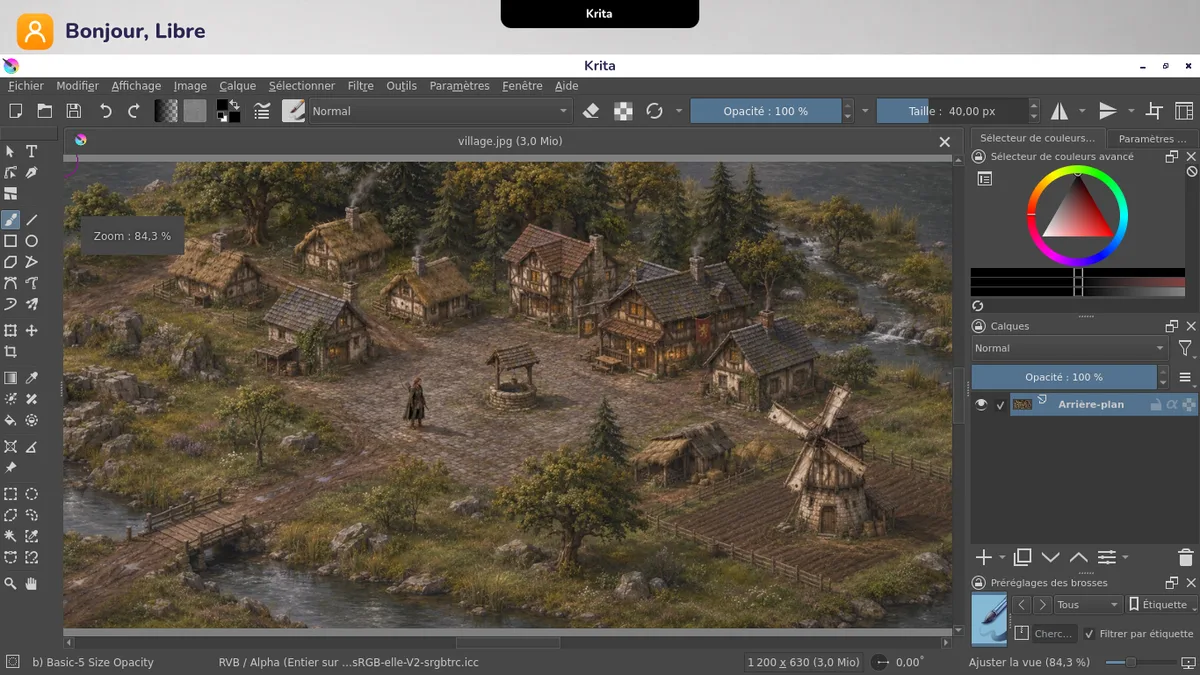
Paint and draw on the computer, with hundreds of brushes.
- Full program
- Ages 8+
- Create
- Parent mode: allowed
- Works offline
-
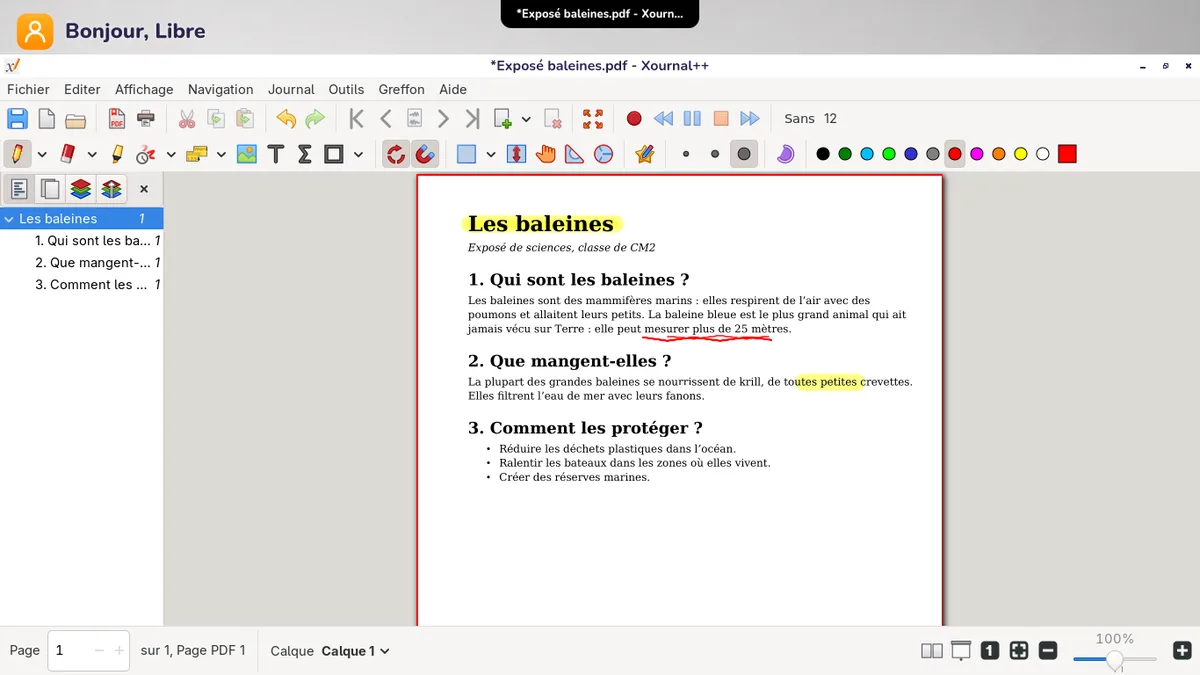
Write by hand on your PDFs, highlight and take notes.
- Full program
- Ages 8+
- Office and school
- Parent mode: allowed
- Works offline
-
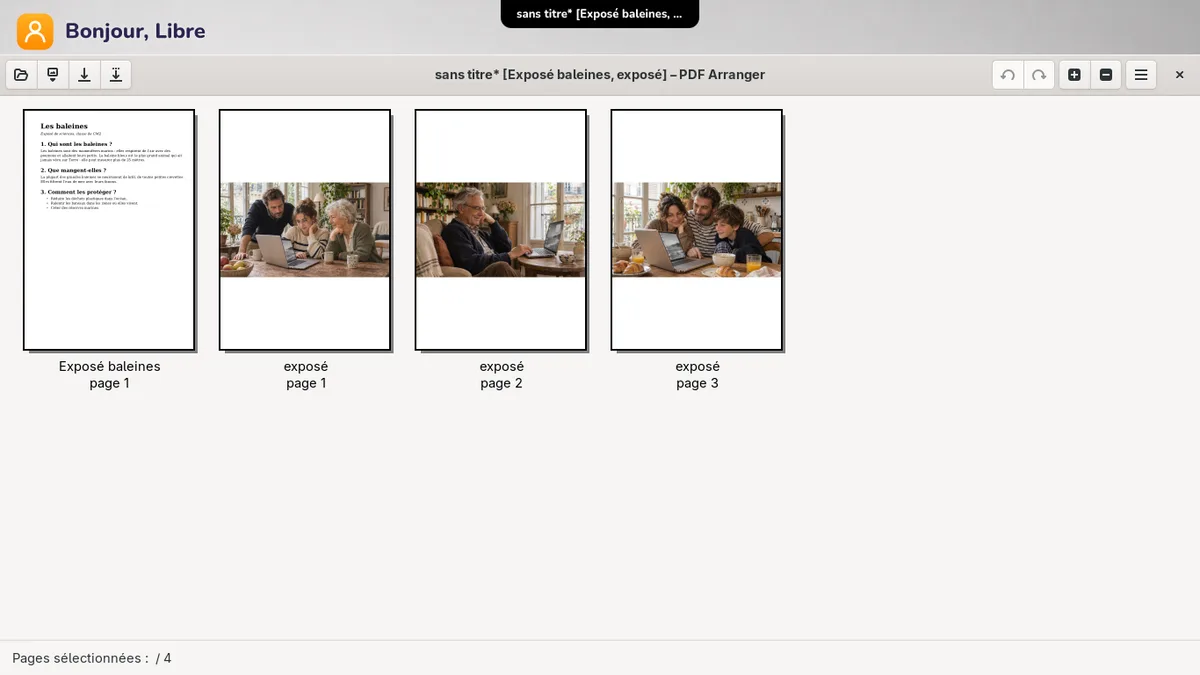
Merge, sort and rotate the pages of your PDFs.
- Full program
- Ages 10+
- Office and school
- Parent mode: allowed
- Works offline
-
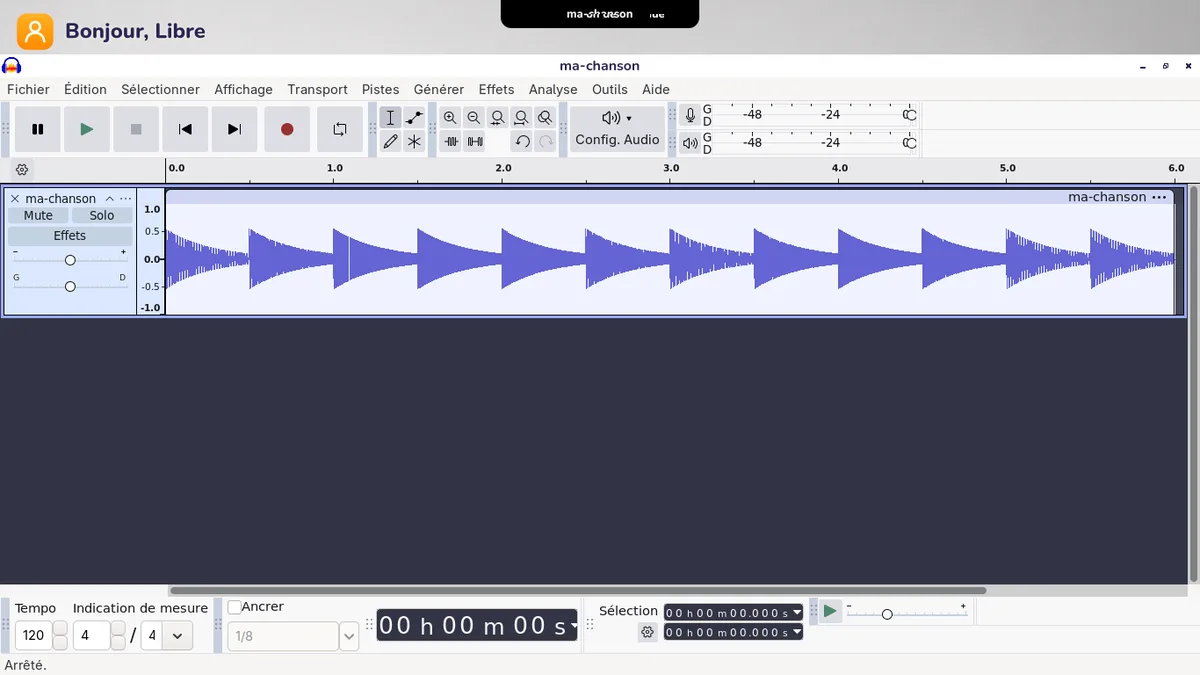
Record your voice and edit sounds: podcast, talk, music.
- Full program
- Ages 10+
- Create
- Parent mode: allowed
- Works offline
-
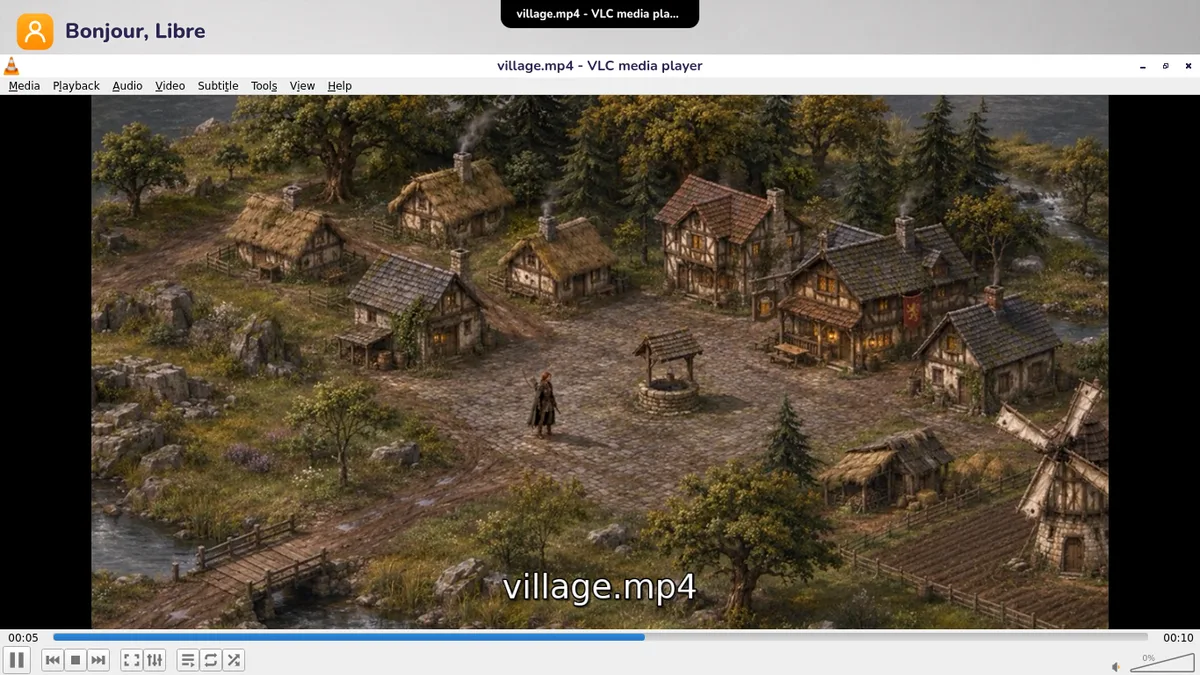
Plays almost every video and music file, even rare formats.
- Full program
- Ages 8+
- Have fun
- Parent mode: code asked
- Works offline
-
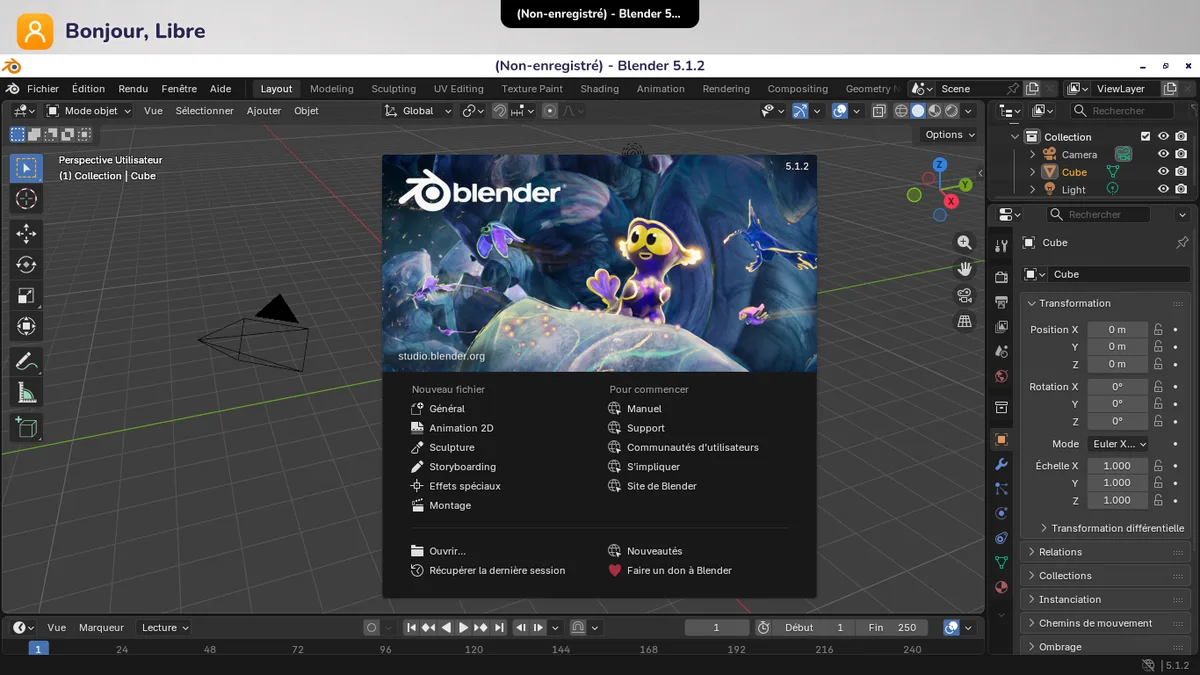
Create in 3D: objects, characters, animations and rendered images.
- Full program
- Ages 12+
- Create
- Parent mode: code asked
- Works offline
- Powerful computer recommended
-
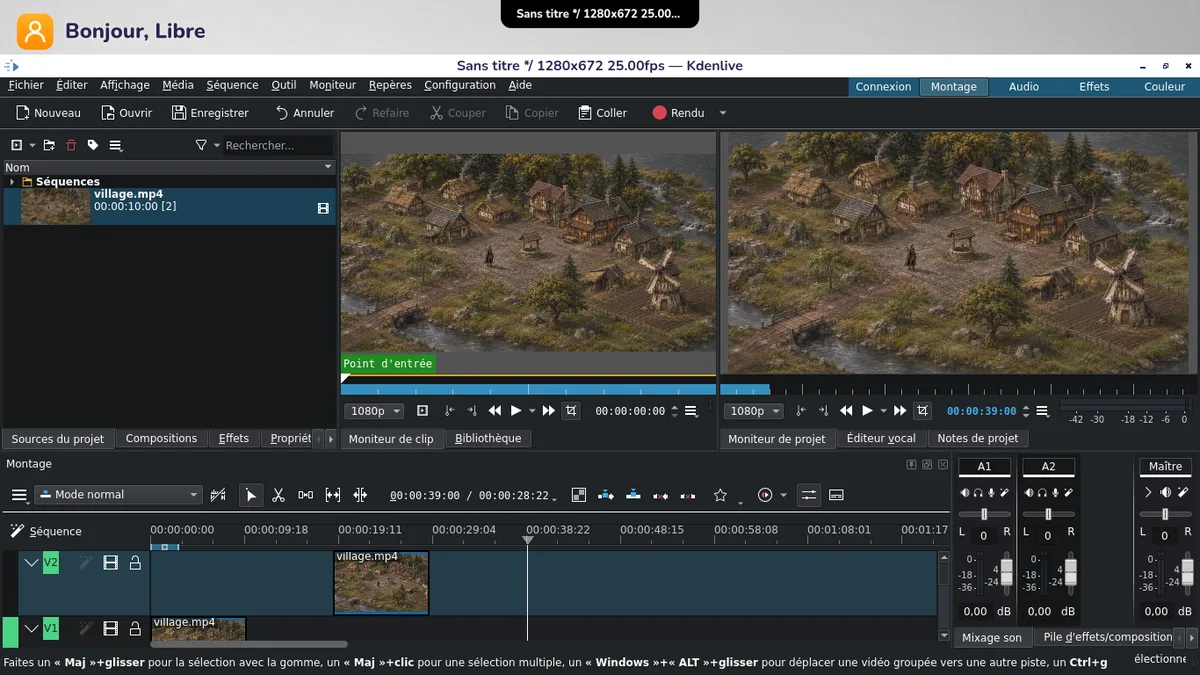
Edit your videos: cuts, transitions, titles and music.
- Full program
- Ages 12+
- Create
- Parent mode: code asked
- Works offline
- Powerful computer recommended
-
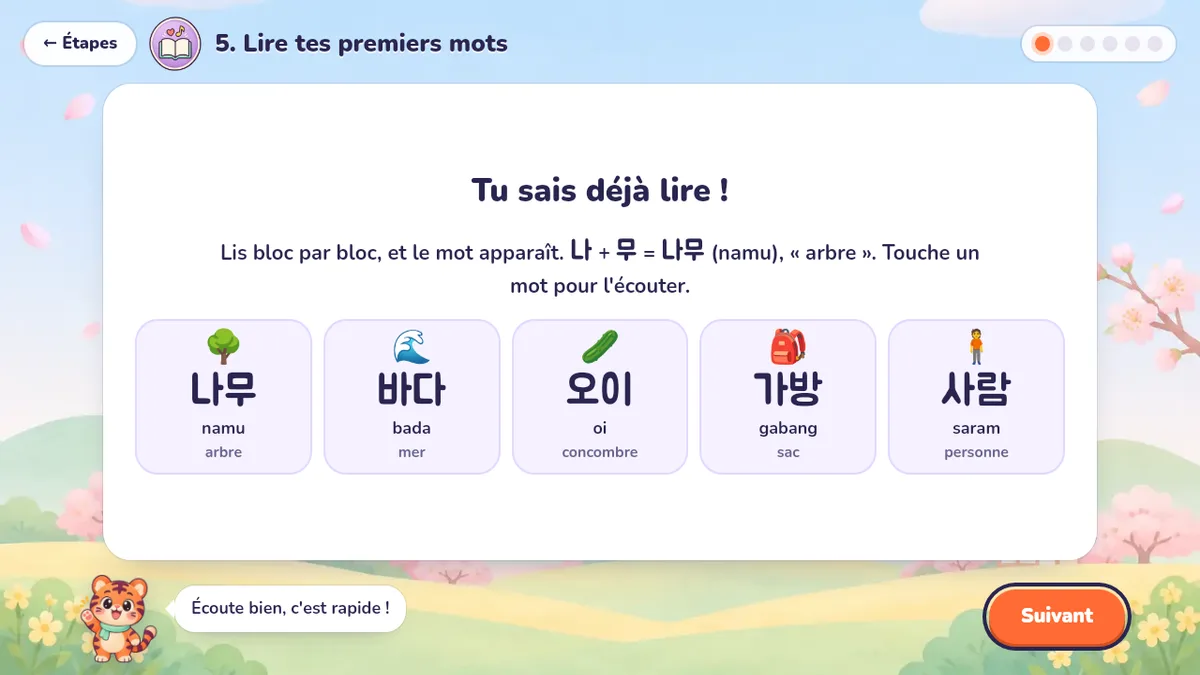
Read hangeul and say your first Korean words, with Hodu the little tiger.
- Yapuka app
- Ages 8+
- Learn
- Parent mode: allowed
- Works offline
-
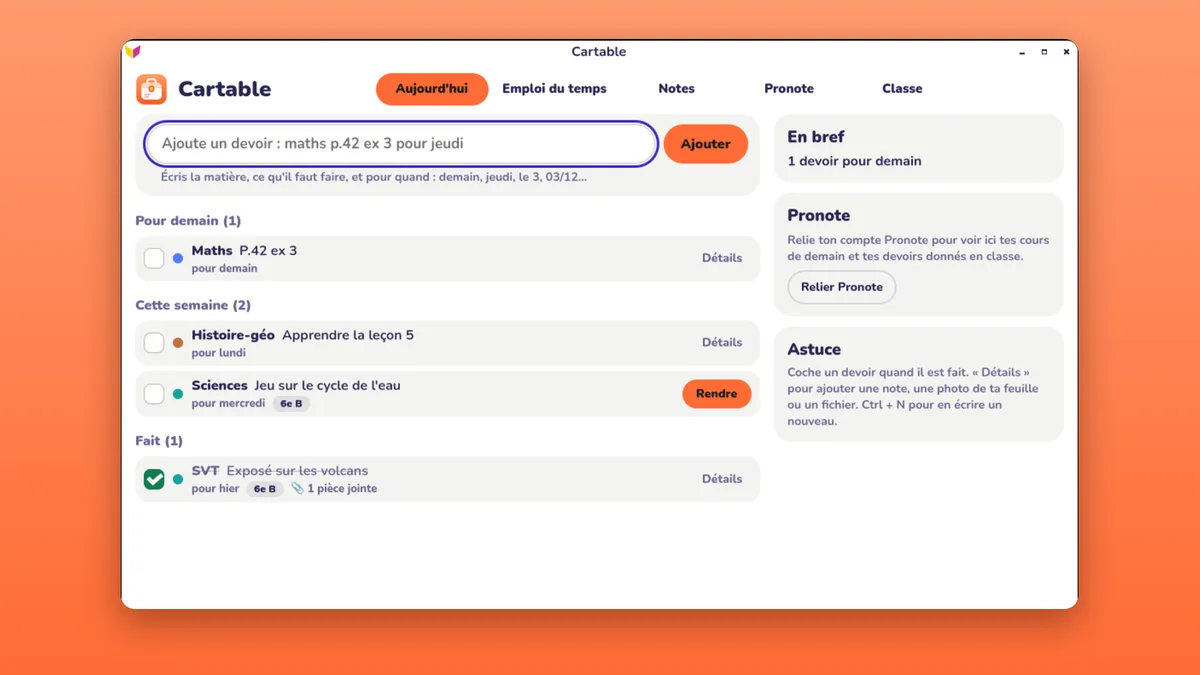
Your homework in one place: what is for tomorrow, what is late, and your Pronote if you want.
- Yapuka app
- Ages 8+
- Office and school
- Parent mode: allowed
- Works offline
-
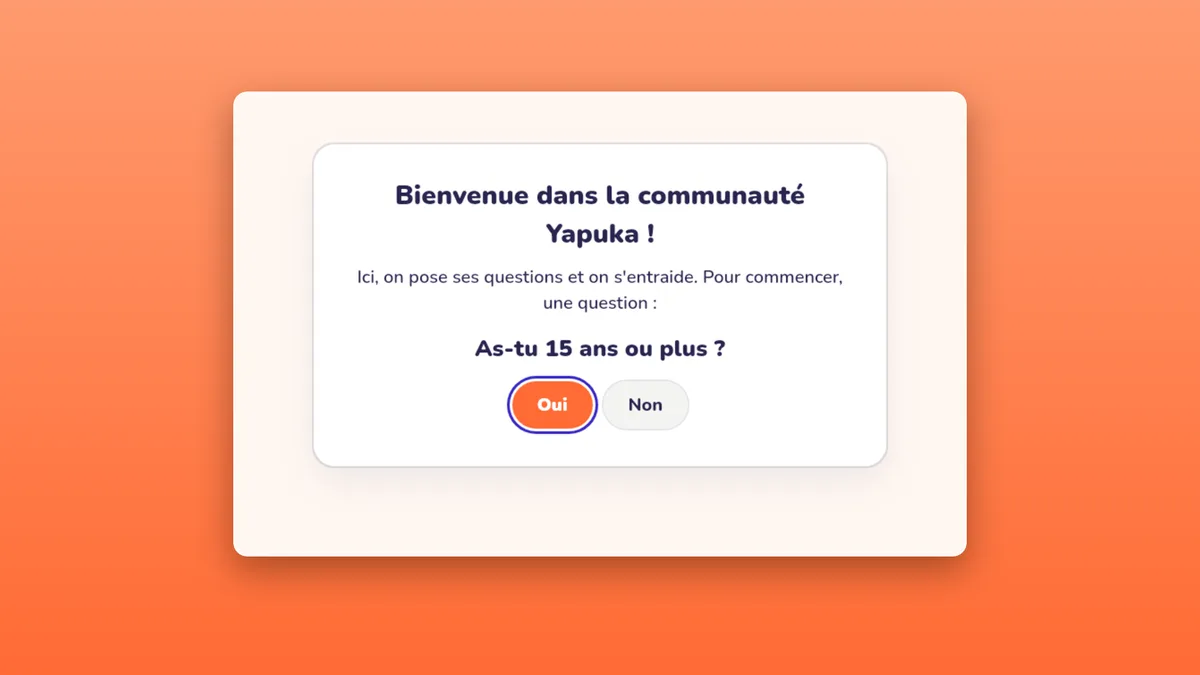
Ask your questions and help others on the Yapuka community.
- Yapuka app
- Internet and an account
- Ages 10+
- Communicate
- Parent mode: code asked
-
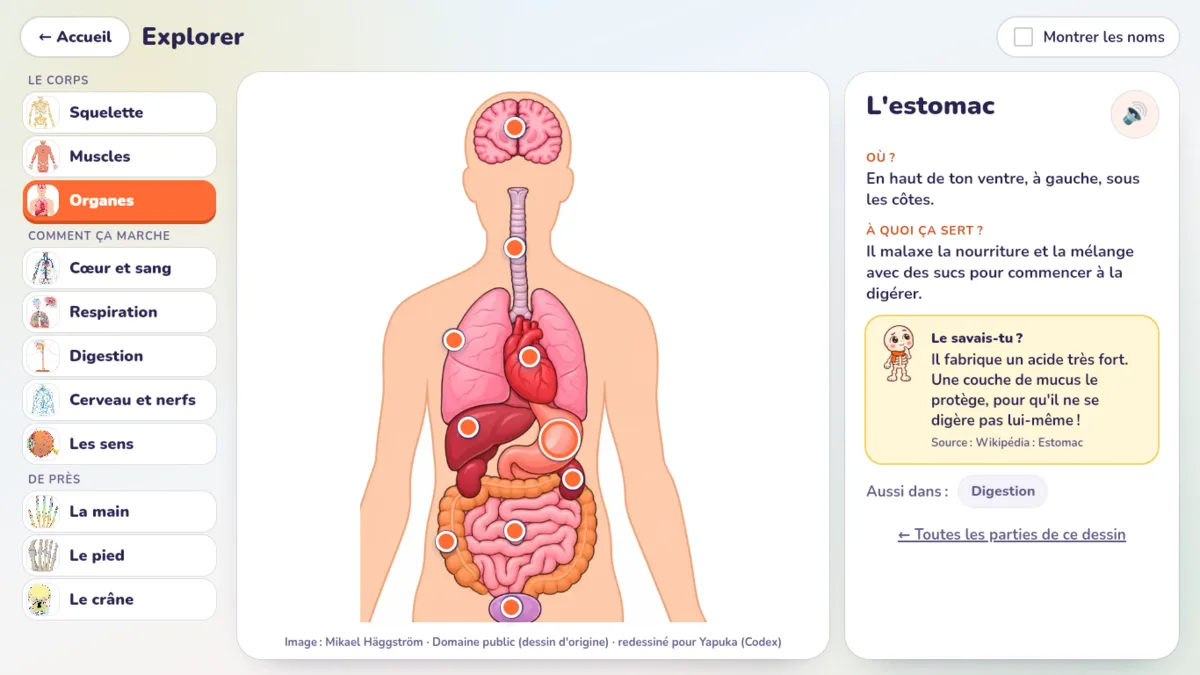
Discover the human body from head to toe, and play with Ossi the little skeleton.
- Yapuka app
- Ages 7+
- Learn
- Parent mode: allowed
- Works offline
-
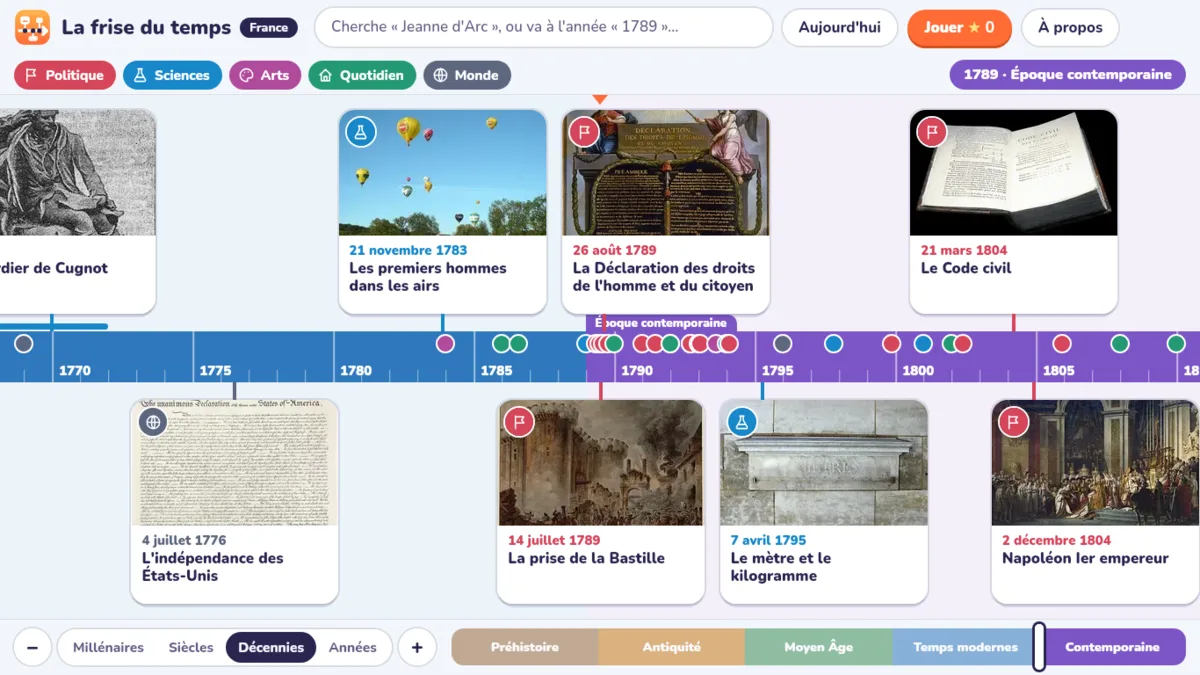
Travel through the history of France, year after year, from prehistory to today.
- Yapuka app
- Ages 8+
- Learn
- Parent mode: allowed
- Works offline
-

Canva
Posters, reports and cards made easy, in their own window.
- Web app
- Internet and an account
- Ages 10+
- Create
- Parent mode: code asked
-

Deezer
Music and podcasts (free Deezer account).
- Web app
- Internet and an account
- Ages 10+
- Have fun
- Parent mode: code asked
-

Gmail
Your Gmail e-mails, with notifications in the notch.
- Web app
- Internet and an account
- Ages 13+
- Communicate
- Parent mode: code asked
-

Google Docs
Write and share documents (Docs, Sheets, Slides).
- Web app
- Internet and an account
- Ages 10+
- Office and school
- Parent mode: code asked
-

Google Drive
Your files online, in their own window.
- Web app
- Internet and an account
- Ages 10+
- Office and school
- Parent mode: code asked
-

Khan Academy
Free lessons and exercises, from maths to science.
- Web app
- Needs Internet
- Ages 8+
- Learn
- Parent mode: allowed
-

Lumni
Educational videos and games from French public broadcasting.
- Web app
- Needs Internet
- Ages 5+
- Learn
- Parent mode: allowed
-

Photopea
Edit your pictures, like in Photoshop.
- Web app
- Needs Internet
- Ages 12+
- Create
- Parent mode: allowed
-

Scratch
Program stories, games and animations with blocks.
- Web app
- Needs Internet
- Ages 8+
- Learn
- Parent mode: allowed
-

Vikidia
The encyclopedia for 8 to 13 year olds, in its own window.
- Web app
- Needs Internet
- Ages 8+
- Learn
- Parent mode: allowed
-

Wikipedia
The free encyclopedia, in its own window.
- Web app
- Needs Internet
- Ages 10+
- Learn
- Parent mode: allowed


Install an extension
In Yapuka, open “Extensions” (System group of the dock). Extensions come from Yapuka’s signed repository: the computer checks the signature before installing, and nothing installs unless you ask. This site only shows them: it cannot install anything.
/extensions.json — machine-readable catalogue (text, images, links), updated 2026-11-27