
My video
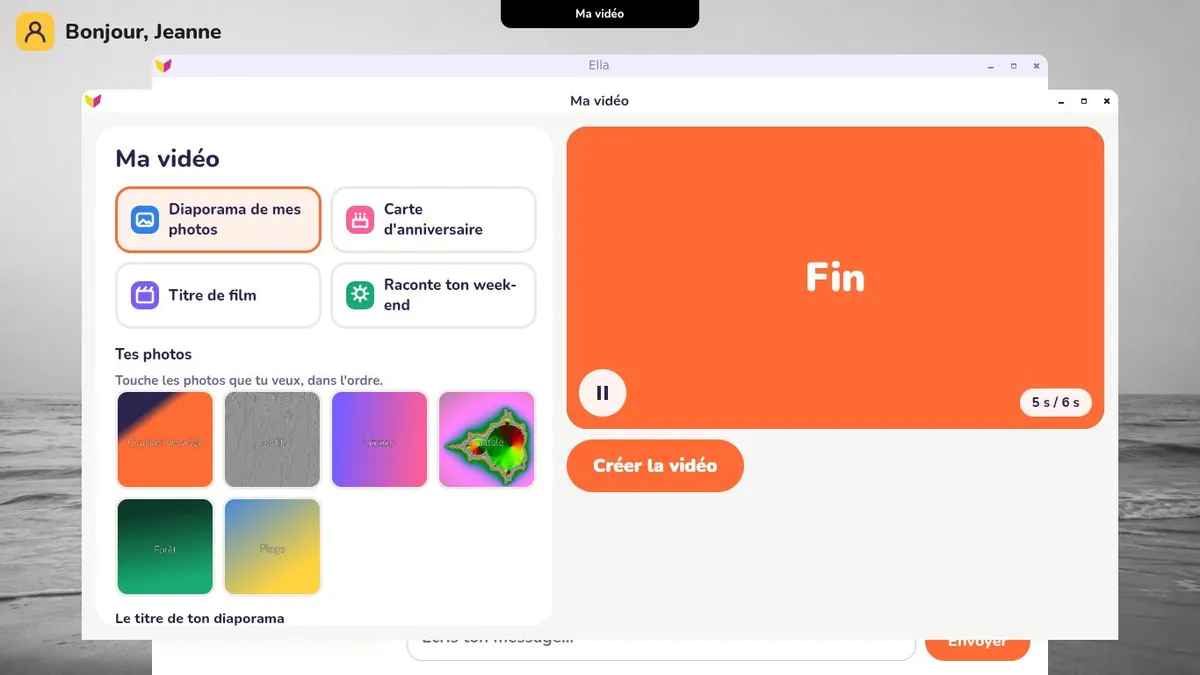
betaMake a little video with your photos.
- Yapuka app
- Ages 8+
- Create
- Parent mode: code asked
- Works offline
What you can do
- Make a slideshow of your photos with music.
- Create an animated birthday card, your film’s opening titles or the story of your weekend.
- Pick the photos, words and colours, and watch the preview.
- Use one of the three small free tunes provided.
Who it is for
From about age 8 (a guide, not a rule): you pick photos, words and colours.
What it needs
- Memory3 GB of memory (RAM) to be comfortable; with less, it works but slowly.
- Disk space≈ 480 MB on the disk, once installed.
- ProcessorAny that runs Yapuka.
- InternetNo: it works without Internet.
Parent mode
When safe mode is on, this extension asks for the parent code.
How to install it
Open “Extensions” (System group of the dock), find “My video” and press Install. One tap. Once installed, it works without Internet.
Good to know
- “Create the video” saves it in your Videos folder.
- No account.
- It is the largest of the extensions: leave a little room.
- It needs room and enough memory: on a USB key in try-out mode, space may run short. It is happier on a computer where Yapuka is installed.
- Size: ≈ 480 MB.