A whole operating system that wakes a 2016 laptop in 10 seconds.
Yapuka is a free operating system for older computers: a modern desktop, a parent mode with no account, apps to make things. Simple for a child, precise underneath.
Yapuka — a free operating system for older computers: the desktop is ready in 9.7 seconds on a 2016 laptop
A new computer, without changing it!
 Hello!
Create
Media
System
Moi
What is Yapuka?
A free, complete operating system for yesterday’s computers: a modern desktop, a parent mode with no account, apps to make things. Simple for a child, precise underneath.
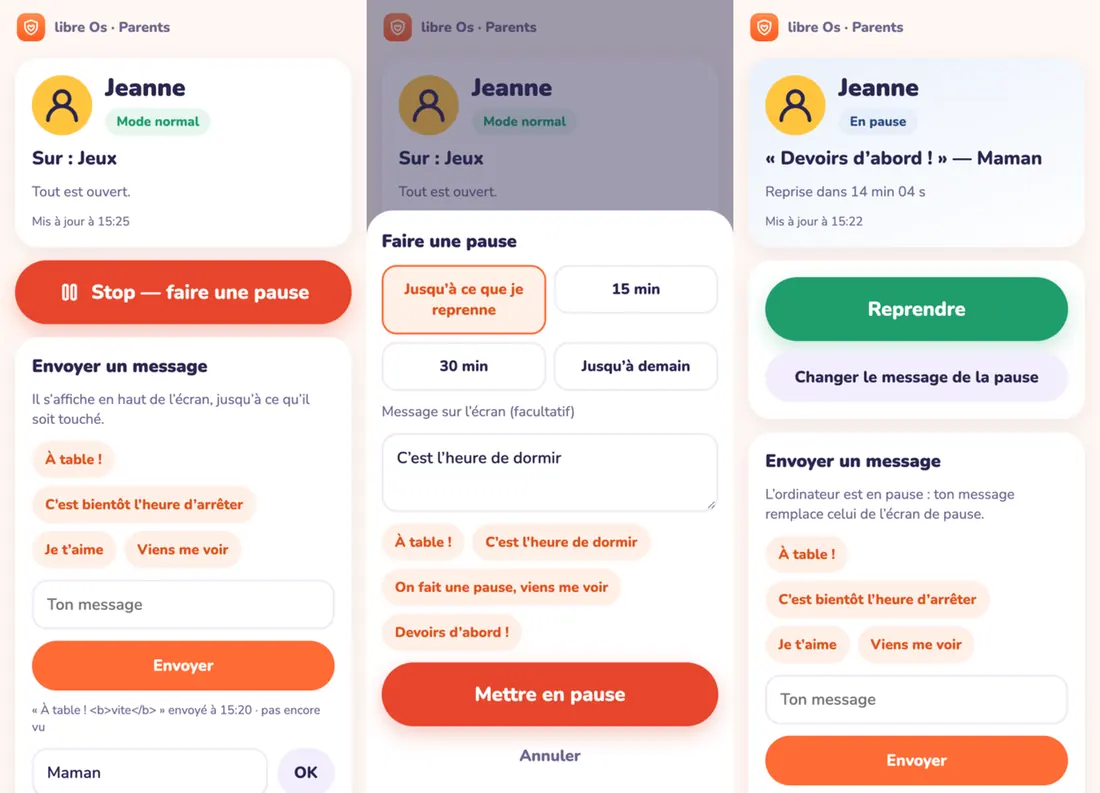
Parent mode: the phone runs it
- Moi › Parents shows a one-time QR code.
- You scan it with your phone, once.
- Stop, messages, blocked sites, camera: all set from the phone page, over the home Wi-Fi.

Ella
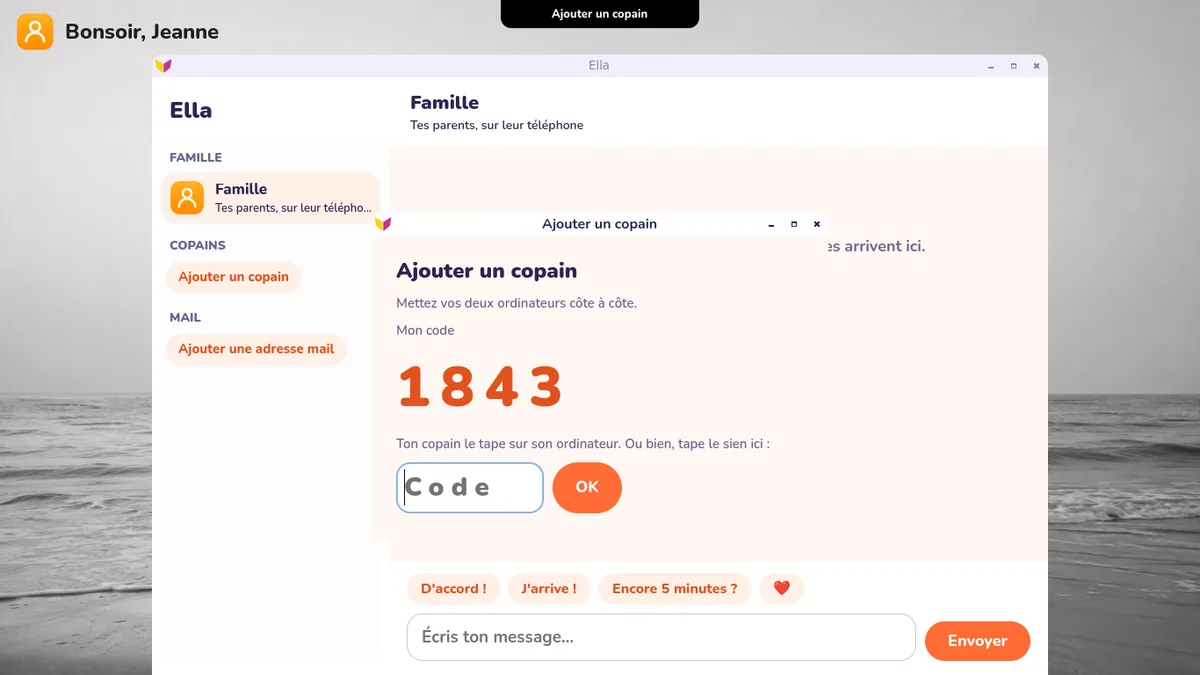
Ella, the messenger
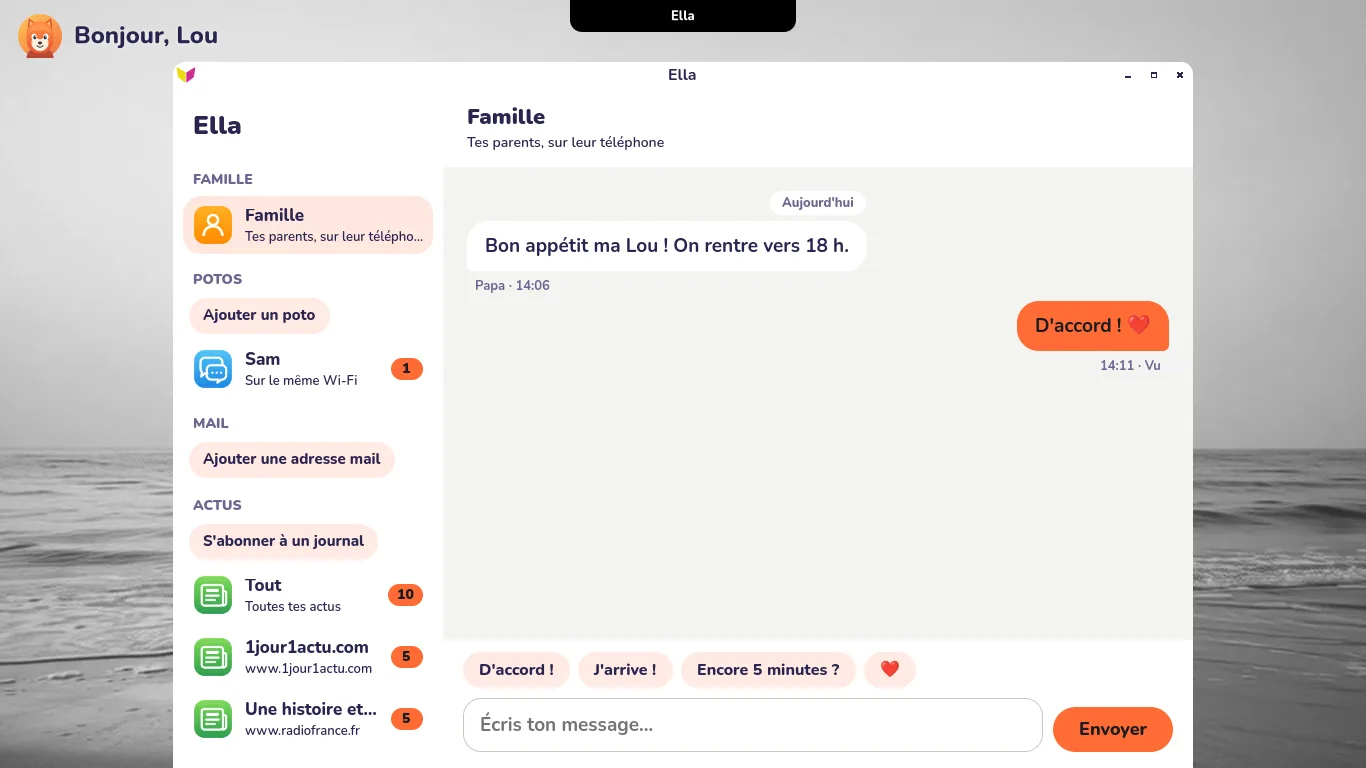
“Famille”: the parents’ phones and the computer chat both ways, with “Seen” and quick replies for little ones.
“Potos” (friends): other Yapuka computers on the same Wi-Fi, approved by a parent. It all stays inside the home.

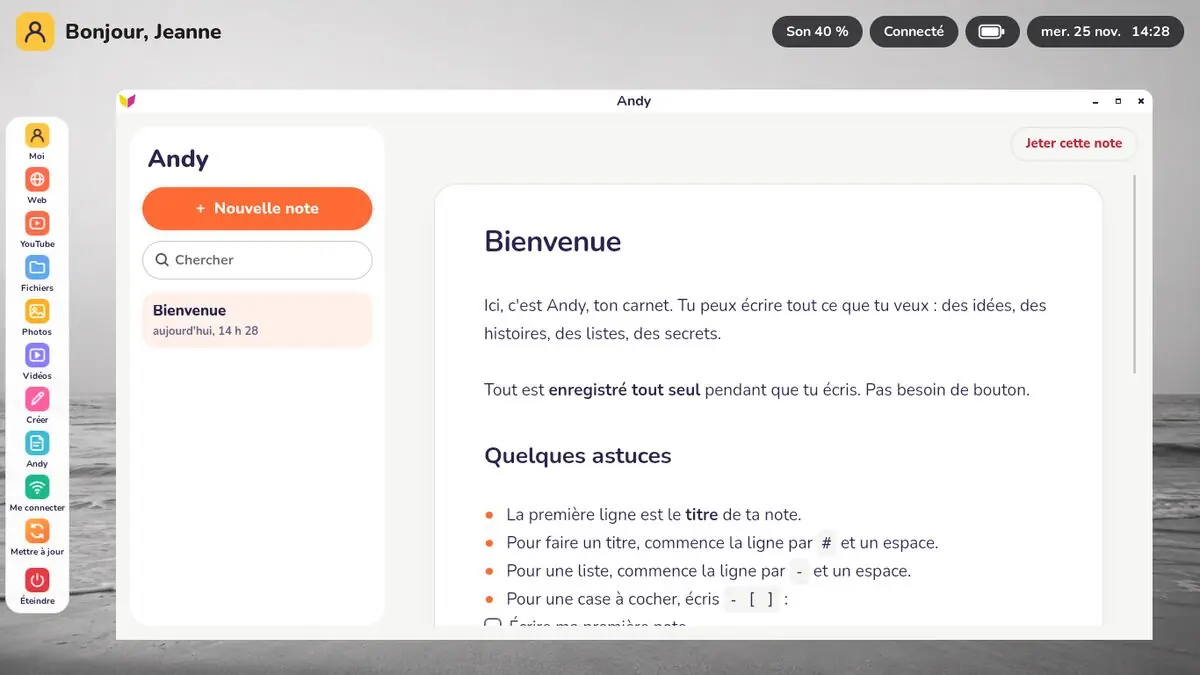
Andy

Create

Coder

Game maker
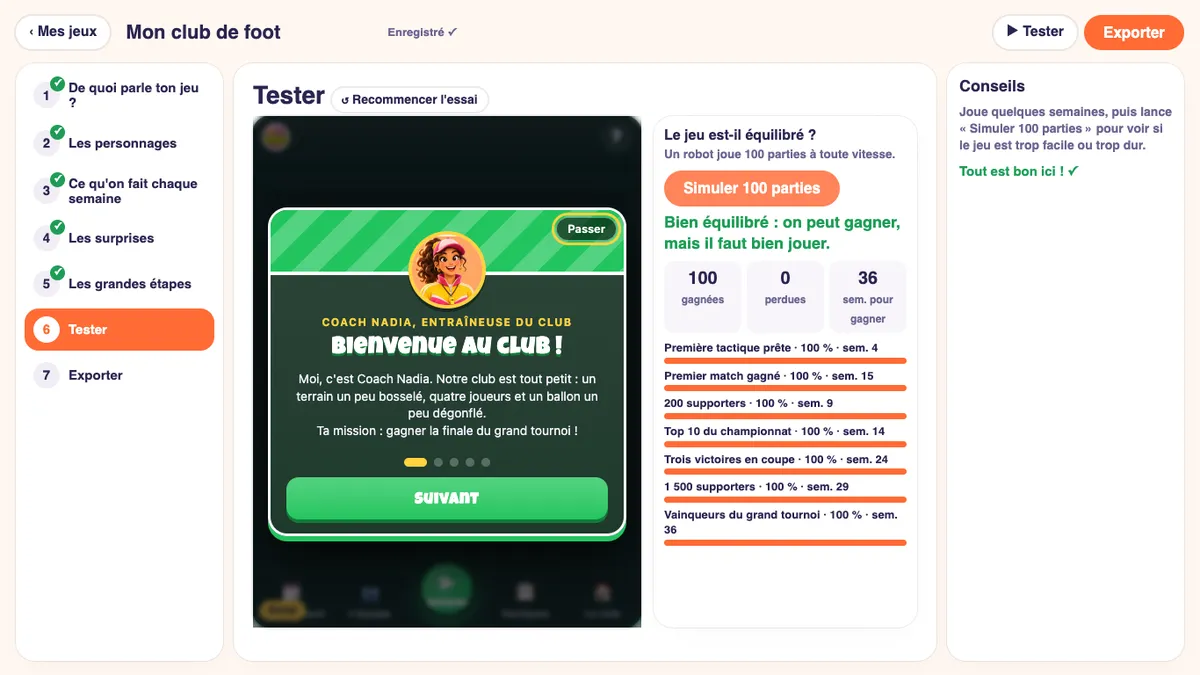
Game maker
Kids build their own management game: theme, characters, events, goals. Then they export it.

Sandbox
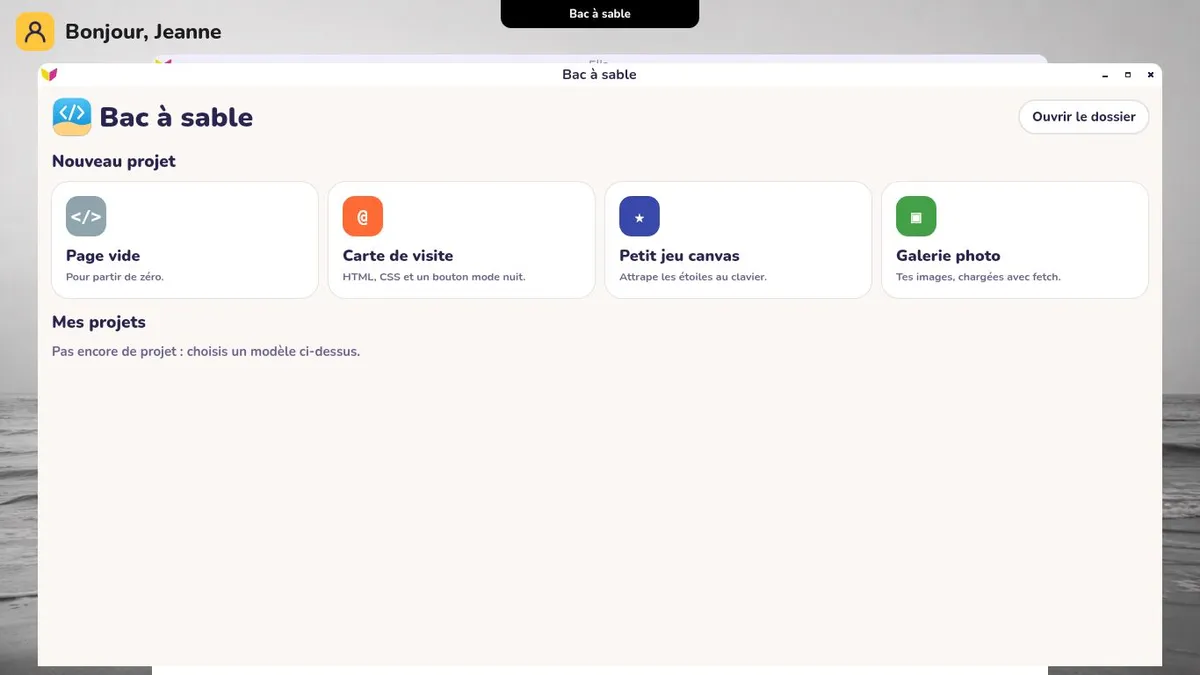
Sandbox
A real little HTML, CSS and JavaScript workshop: live preview, console, export.

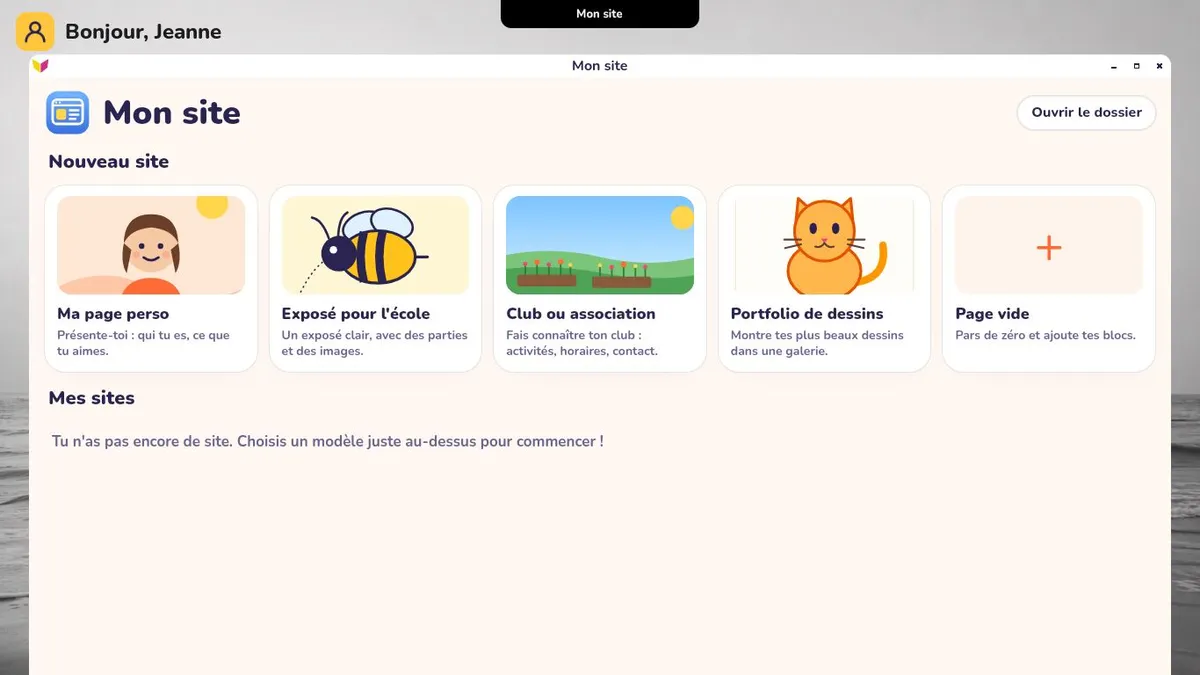
My website

My video
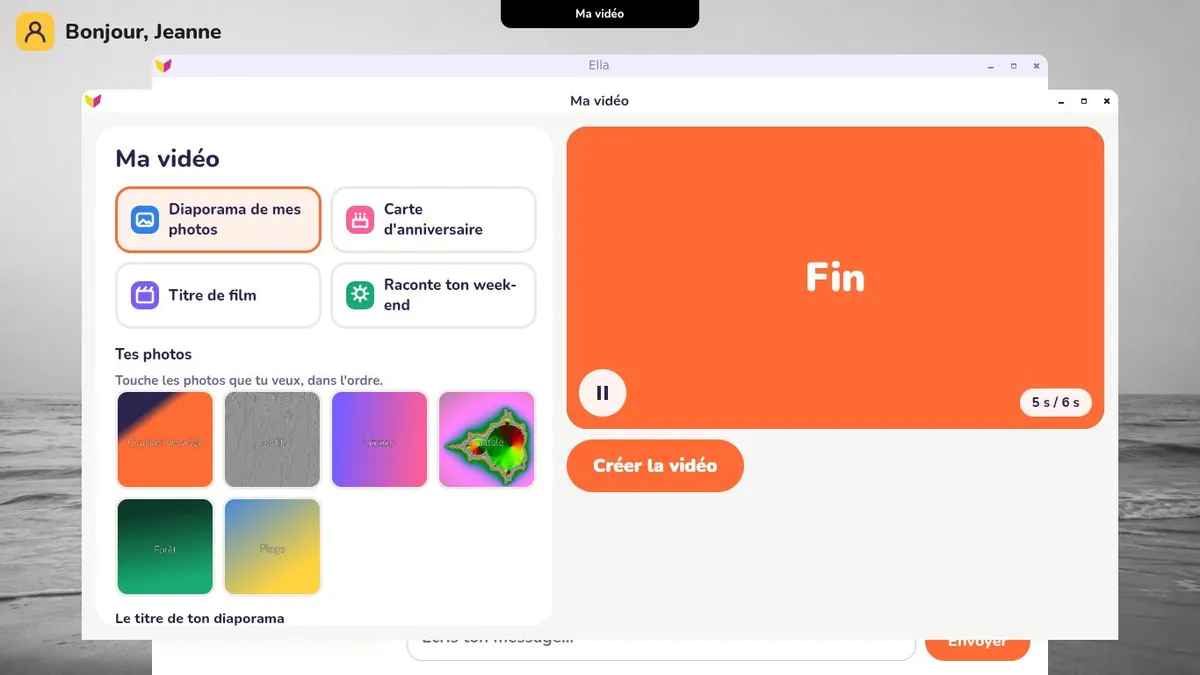
My video
A slideshow with music, a birthday card, a film title: a real MP4 video.

My music
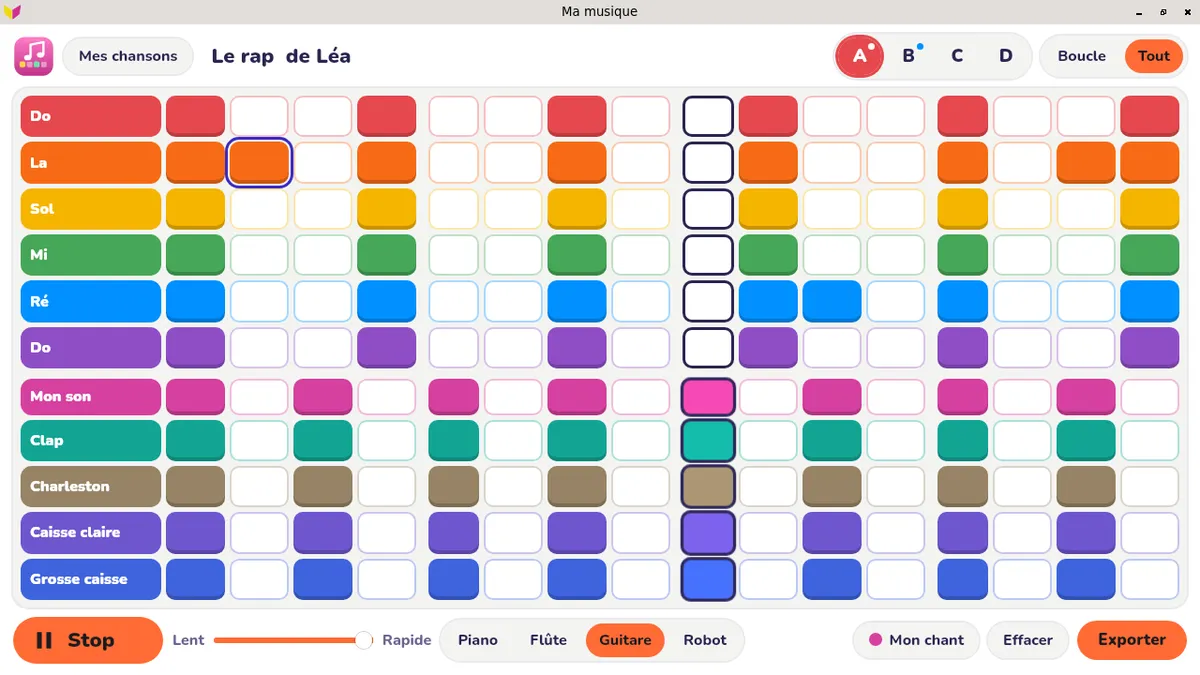
My music
Each coloured cell is a note: piano, flute, guitar or robot. Export the song.

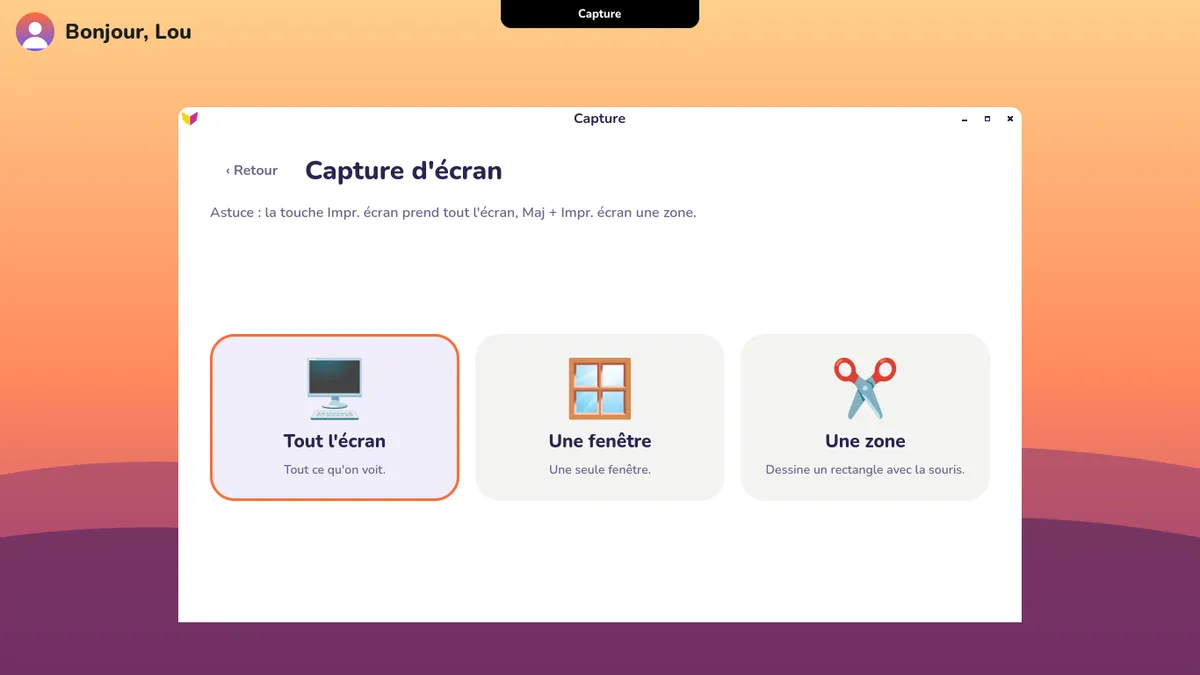
Capture
Capture
The whole screen, a window or an area, with the Print Screen key. It can also record the screen and the webcam.

Web

YouTube

Photos

Videos

Inspiration
Inspiration
Once a day at start-up: a real quote, and “Did you know?” with Wikipedia and Vikidia.

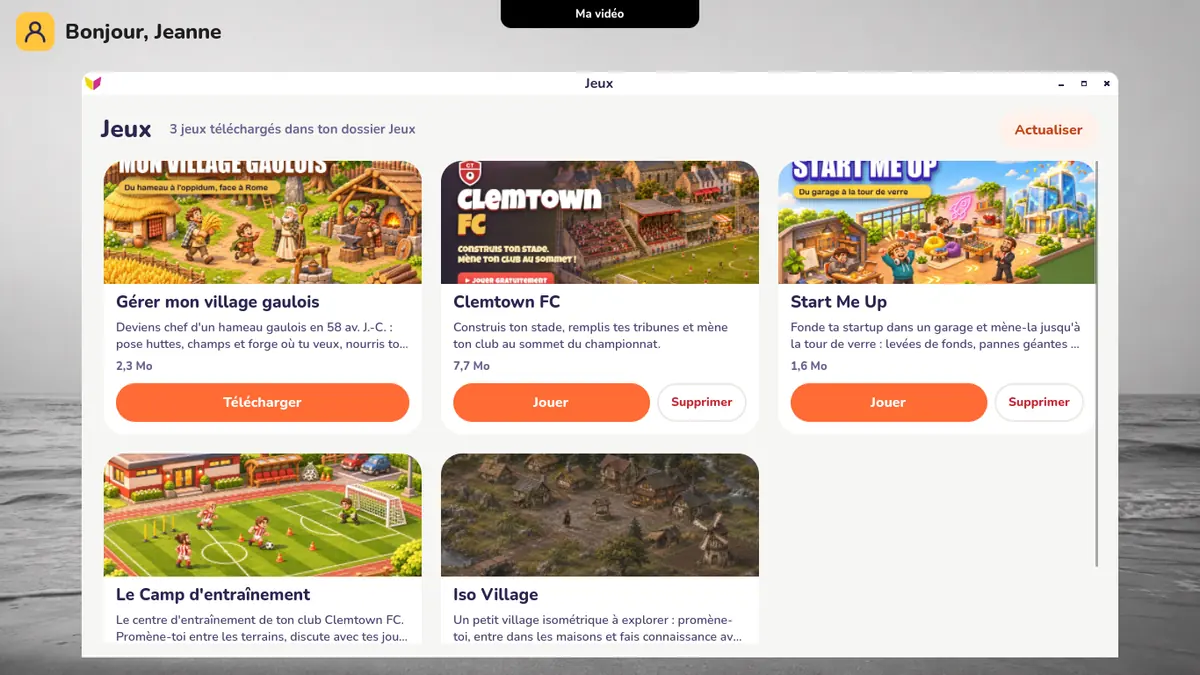
Games
Games
Download a game once; then it plays offline, and your game waits.

Files

Connect
Connect
Our own Wi-Fi window: networks, a padlock, “Connected”. The password is often written under the box.

Update

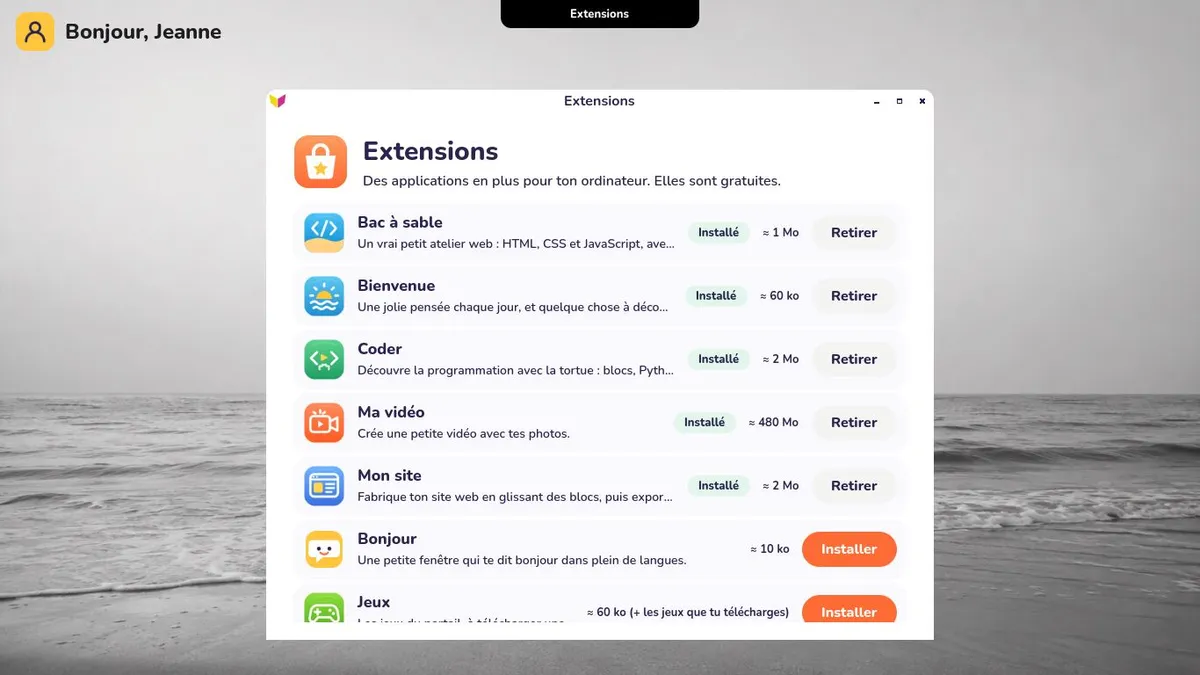
Extensions
Extensions
Add or remove free, signed apps: Games, Code, My video, My website…

Terminal

Appearance
Pick your theme
Touch a theme: the whole desktop changes, right here.
A computer that adapts to you

Help
Help
Fidel, at the top of the screen: the time, the date, the open app’s title and the notifications.
- Super / Ctrl+K — the launcher “What do you want to open?”
- Alt+D — the dock
- Alt+N — the “Things that matter” panel
- Esc — closes the window
Do I need an account?
No. Neither for Yapuka nor for parent mode.
Does it erase the computer?
Not to try it: Yapuka starts from a USB key. Only installing replaces the disk, and it says so.
Does it work offline?
Yes for the essentials: Andy, Create, Photos, Videos, Files and downloaded games.
Roadmap
Where we are
- 0.1 A USB key that just works: done.
- 0.2 Our own, lighter apps: after.
- 0.3 Install on the computer: now, tested on the Lenovo V110.
- 0.4 Ready to share: parent mode (built), extensions, download and guide.

Download
Soon
There is no download yet: we’d rather wait until it’s good. The first version to share will land here, with a guide to prepare the USB key in a few minutes.
When it is here: free, no account, downloadable by everyone.
This is Yapuka, in your browser. Move the mouse to the left edge, or tap the tab.Tap an icon below to open an app.
Nothing like that. Try “parents”, “theme” or “games”.
↑ ↓ · Enter opens · Esc closes
Measured on a 2016 Lenovo V110 with a Core i3-6006U.
Real measurements from 26 November 2026, on the test laptop.
A complete desktop, four gestures.
Everything is captured on the test computer. Nothing is mocked up.
A dock that tidies everything
It slides in from the left edge, in a few groups: Moi, Ella, Create, Media, System.
“What do you want to open?”
The Windows key opens a search bar. Type a few letters.
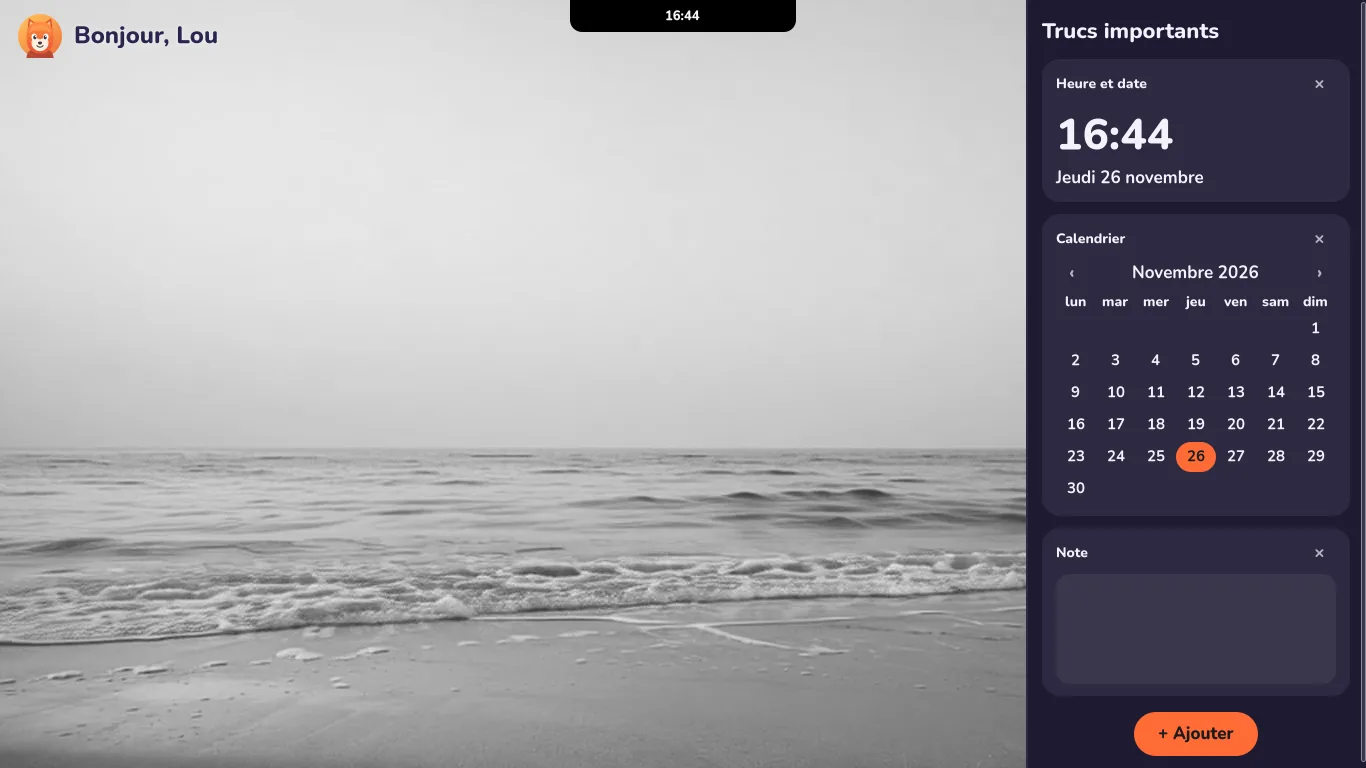
Things that matter
Time, calendar, weather, a note and a timer on the right edge. Keep the ones you like.
Fidel
Fidel shows the open app’s title, and notifications come out of Fidel. On hover: sound, connection, battery.
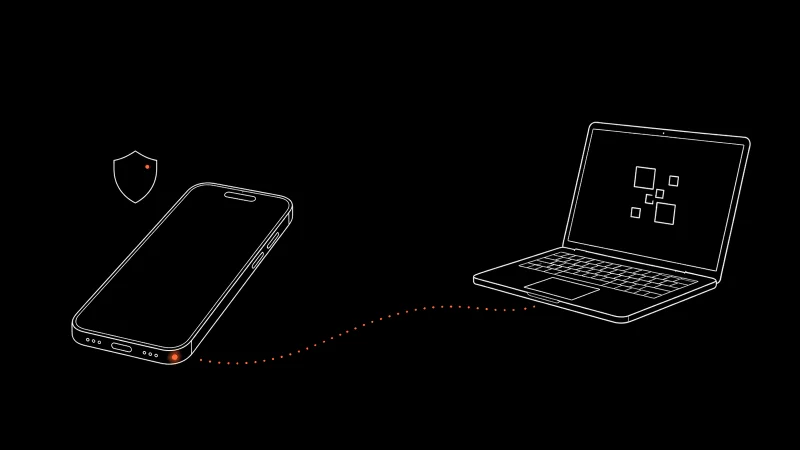
A parent’s phone runs the computer. No account.
Scan a code once. Then a pause, a message, blocked sites, the camera: everything is set from your phone.
A computer that adapts to the person.
Children, grandparents, classrooms: the same system, adjustable in three clicks.
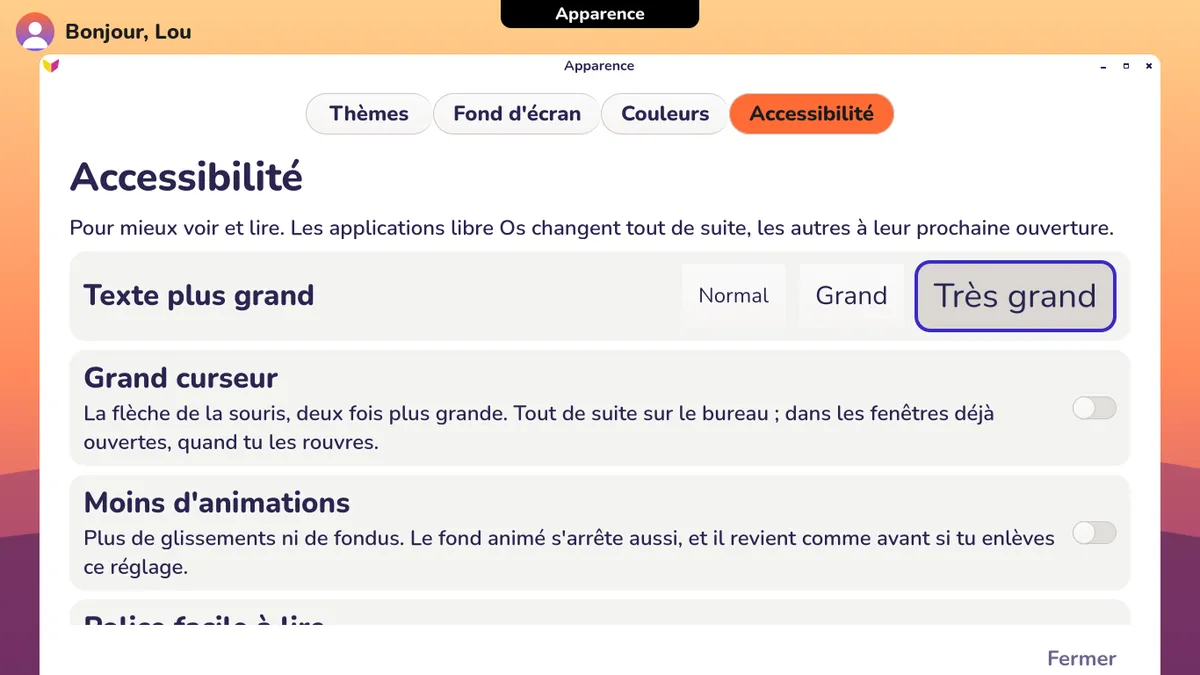
Very large text
Bigger text, big cursor, less animation and a font made for learning to read.
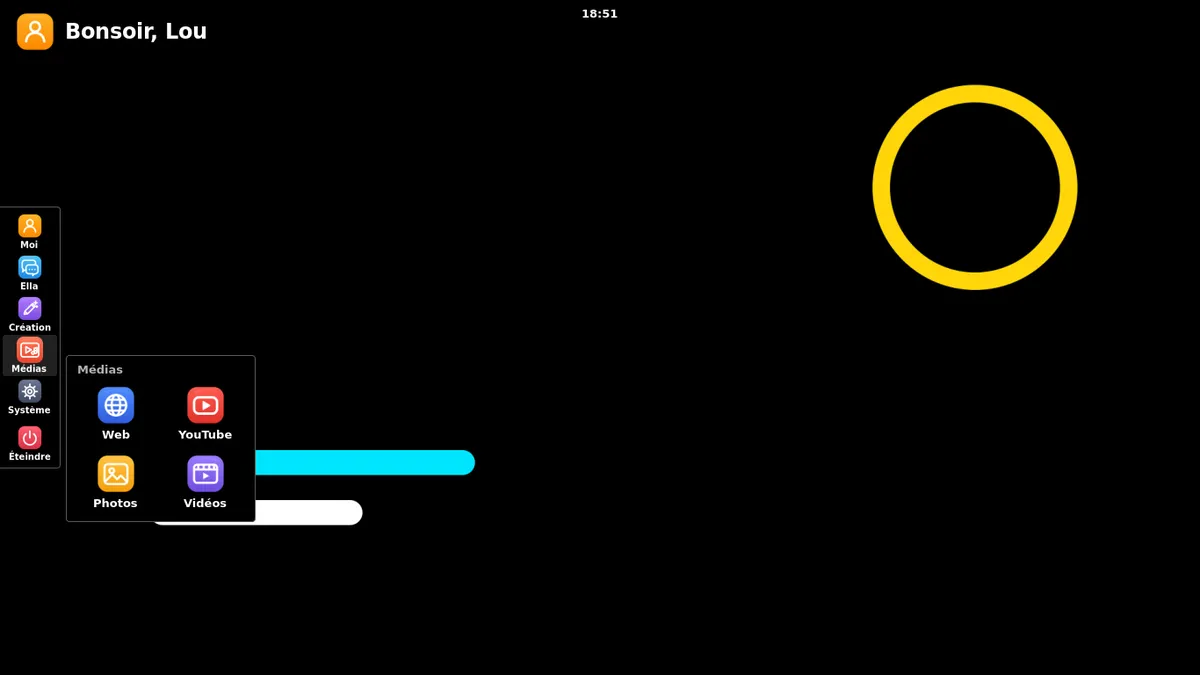
High contrast
A black and yellow theme, and three more: Rivage, Nuit, Prairie. You can make your own.
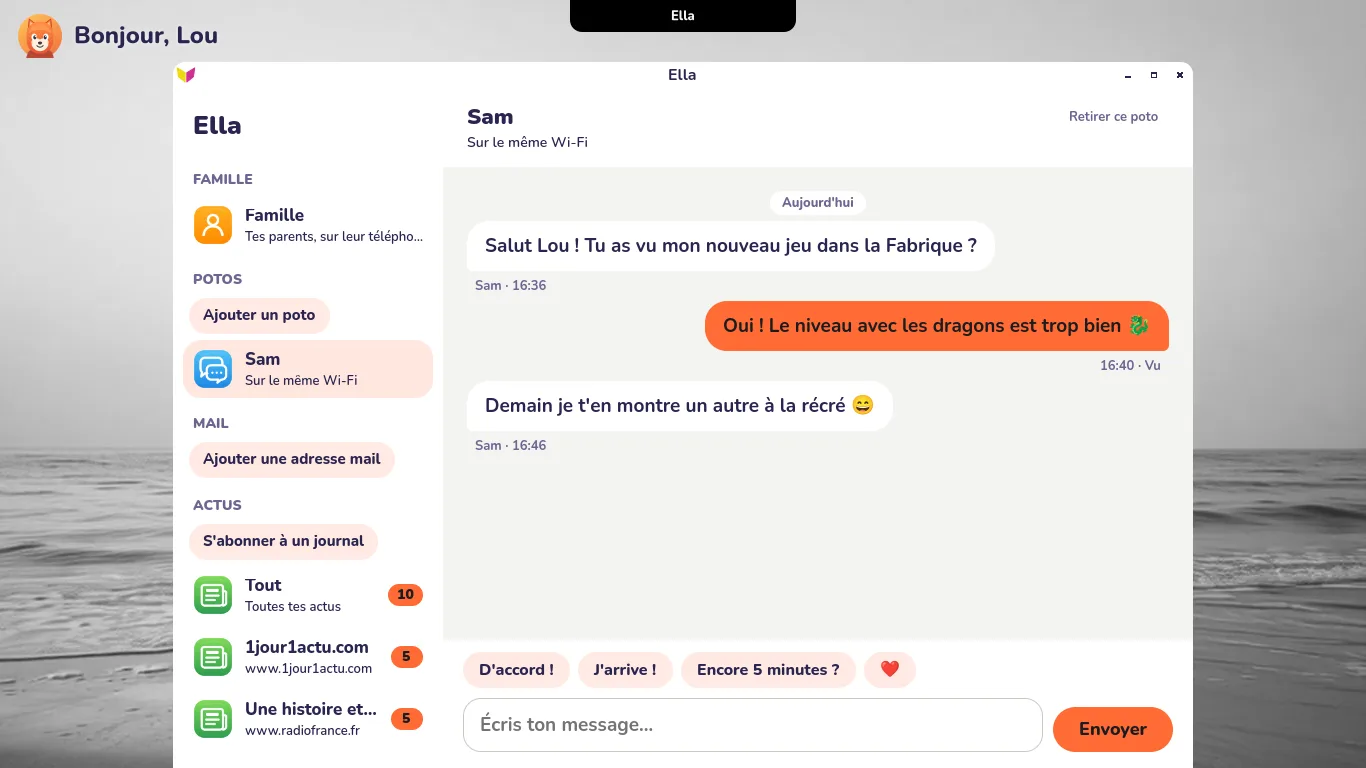
Friends, side by side
Two computers on the same Wi-Fi, approved by a parent: classmates or siblings can write to each other.
Things to make, not only to watch.
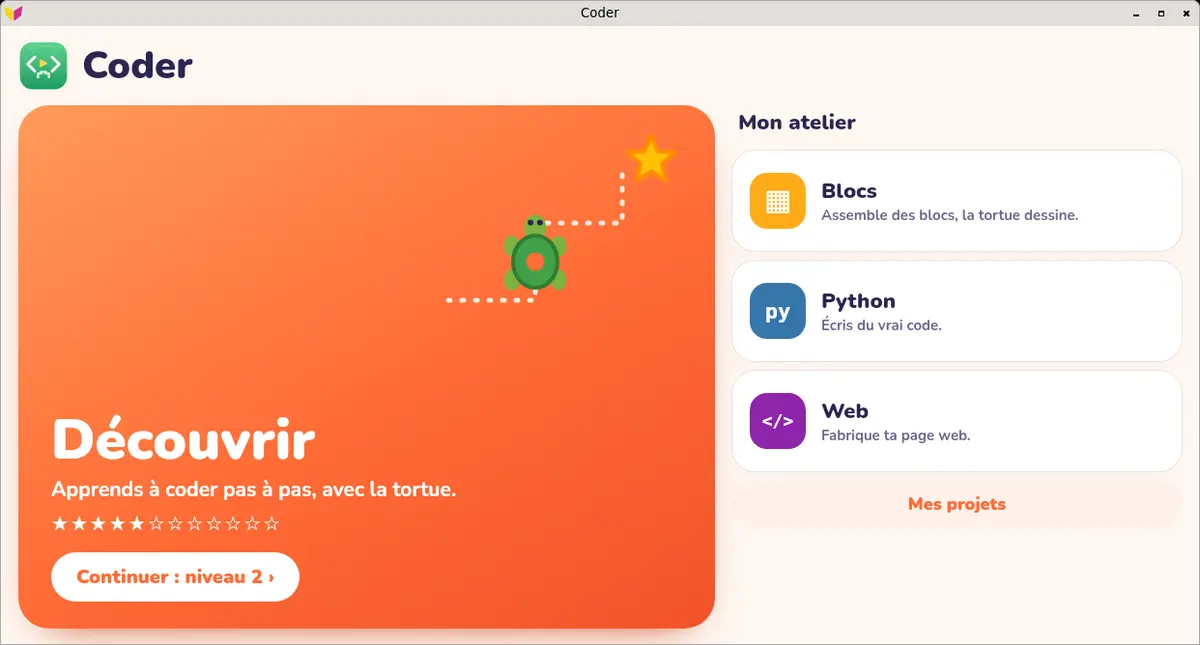
Coder
Twelve levels with the turtle: blocks, then real Python, then web pages.
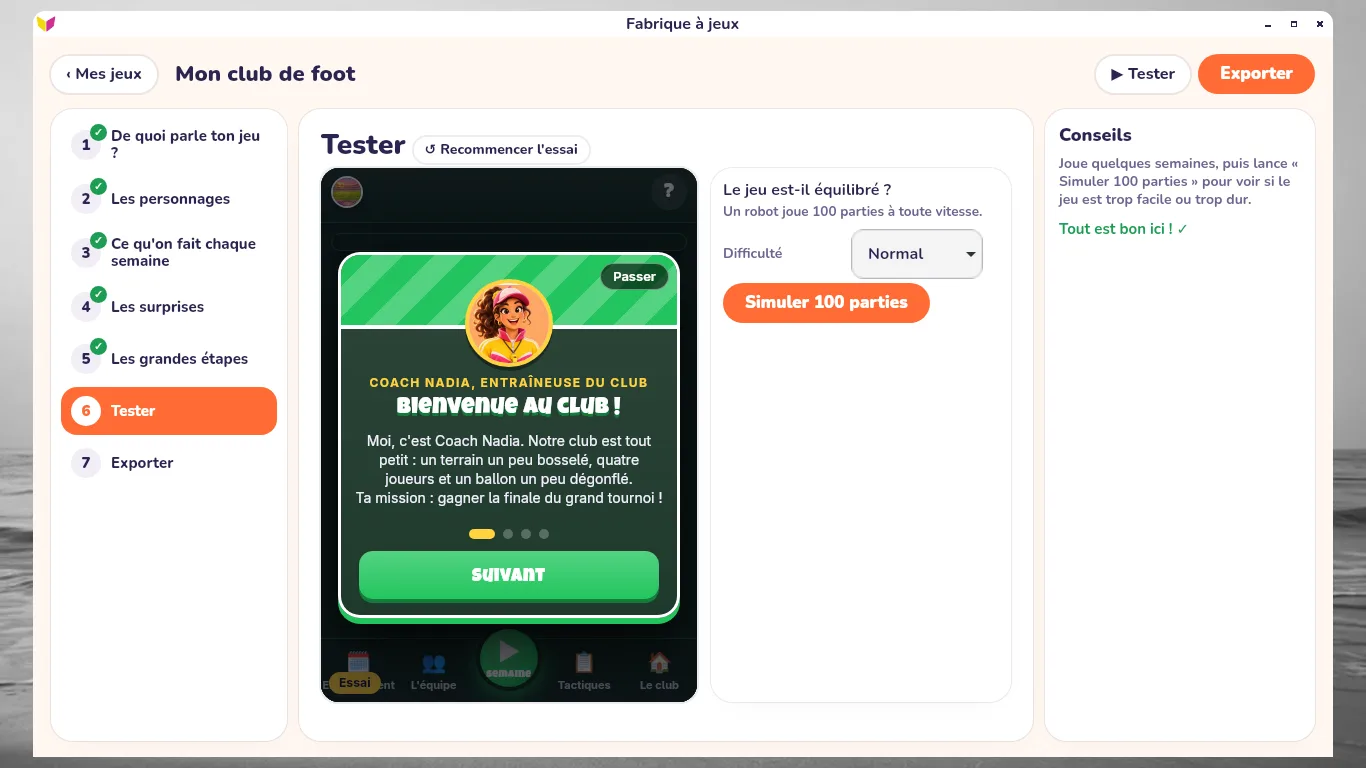
Game maker
Kids build their own management game, then export it.
My music
Each coloured cell is a note: piano, flute, guitar or robot.
Games, offline
Download a game once. Then it plays without Internet, and your game waits for you.
Latest news
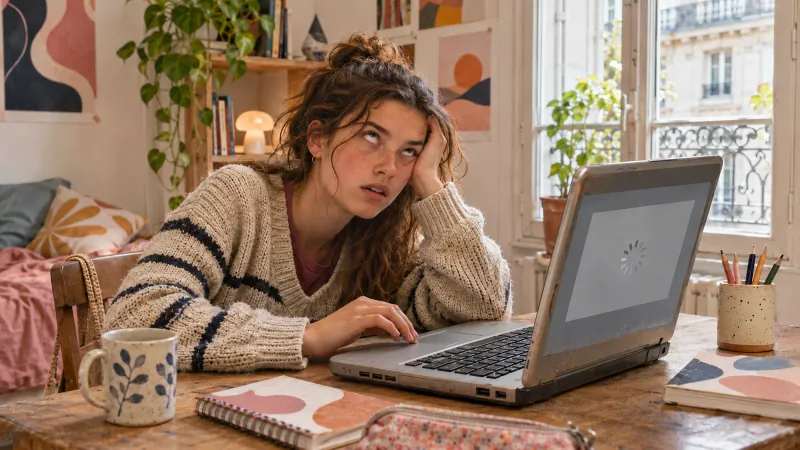
Once upon a time
How it all began: an old laptop, a 14-and-a-half-year-old stepdaughter, and a simple idea.
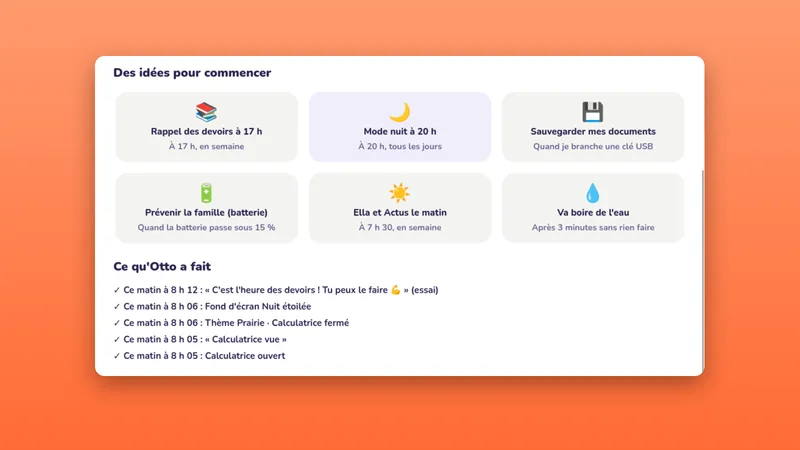
New: Otto, Printers, Calculator, My space and Shared folders
A little robot that does things for you, printing, and a computer that warns you before things break.
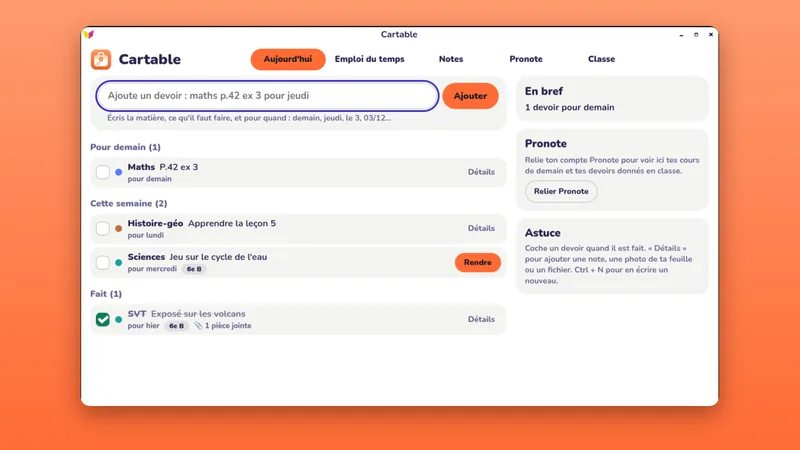
Extensions: Cartable, Learn Korean, My body and well-known programs
The catalogue is growing: tidy homework, two apps to learn with, LibreOffice, GIMP, Krita and the others.
Simple on top, precise underneath.
Every easy gesture rests on an engineer’s idea. Here are the main ones, one line each.
One program
Dock, panel, Fidel and launcher are one 107 MB program, not four.
No account
The parents’ phone and the computer talk directly over the home Wi-Fi.
Signed updates
Nothing installs unless you ask, and a package signed by anyone else is refused.
Themes in JSON
One file recolours the whole desktop, with checked contrasts.
Friends, in person
Two computers side by side add each other with a code, approved by a parent.
Light by rule
A feature that slows the computer down doesn’t ship.
The family messenger.
“Famille”: the parents’ phones and the computer chat both ways. “Potos”: other Yapuka computers on the same Wi-Fi, added in person and approved by a parent.
The old ones, mostly.
Tested every day on a 2016 Lenovo V110 (Core i3-6006U). A 64-bit PC and a 2 GB USB key are enough to try it, without erasing anything.
A 64-bit PC
Secure Boot sometimes to turn off.
A 2 GB USB key
To try it, without touching the disk.
Not yet
Intel Macs and Broadcom Wi-Fi: planned.
Free, free of charge, and made by thousands of people.
Yapuka will always be free and downloadable by everyone: no account, no ads, no tracking. Its code is free software (GPL-3.0-or-later). It assembles the work of thousands of volunteers.
- Alpine Linux
- Linux
- labwc
- GTK
- WebKit
- Python
- Nautilus
- Loupe
- Celluloid
- mpv
- iwd
- Nunito
- Geist
- Andika
- HyperFrames
Four steps, each one checked.
Ready to share
Now: the signed image, the download, the site online.
Away from home
Next: Parent mode from afar, through an encrypted relay.
For everyone
Read aloud, screen reader.
More computers
Intel Macs, Raspberry Pi.
Nothing to replace.
A 2016 laptop that starts in ten seconds still does the job. Follow the first release, or come and talk about it.