New: Otto, Printers, Calculator, My space and Shared folders
· 2 min read
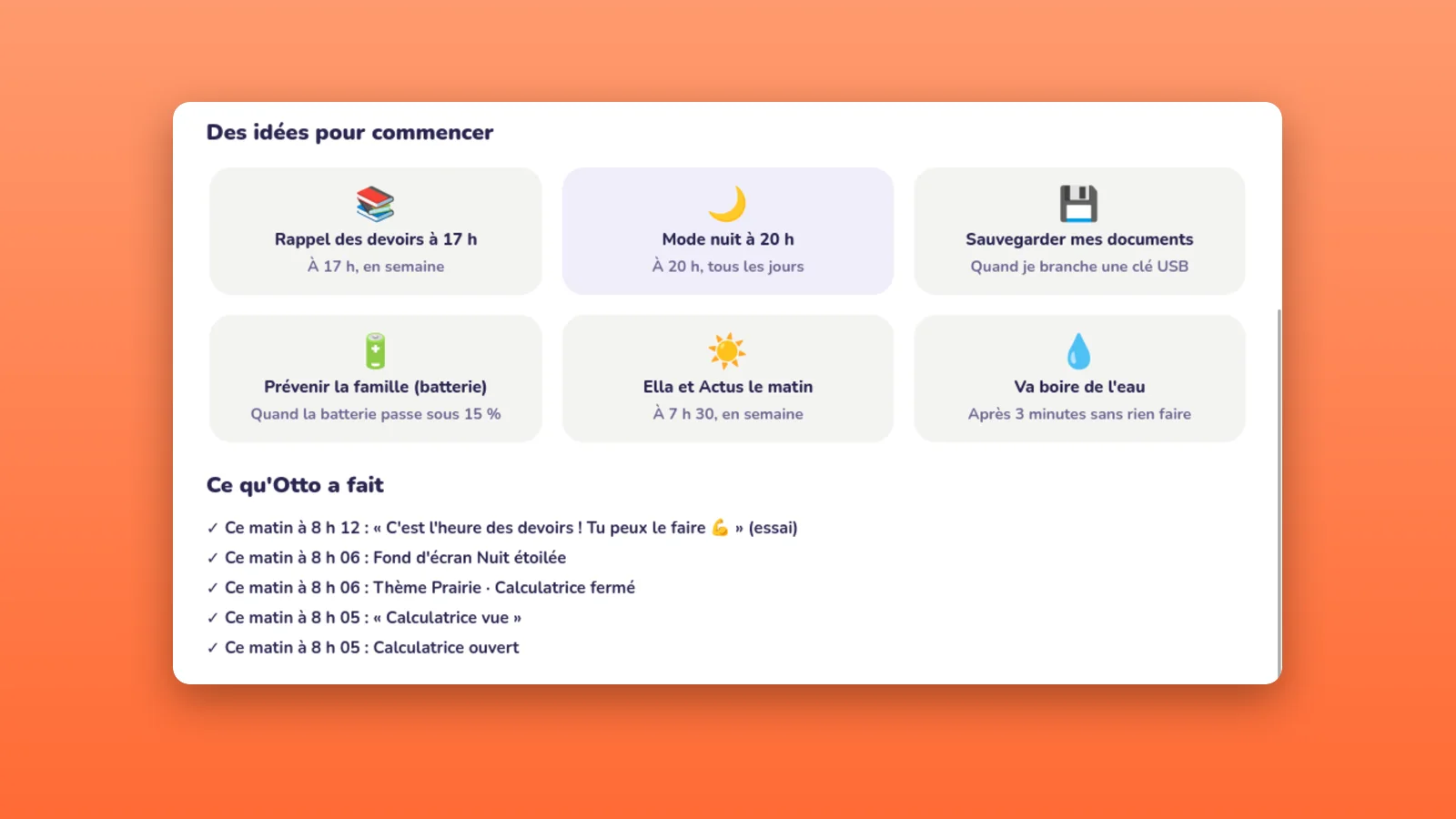
Lots of new things in the System group of the dock. All of them run on the test computer, a 2016 laptop.
Otto, your little robot
Otto does things when something happens: “When it is 5 pm, then remind me of my homework.” A few ideas are ready in one click: night mode at 8 pm, back up your documents when you plug in your key, tell the family when the battery is low. Everything stays on the computer, and parents can pause Otto.
Print and scan
Printers finds the home's Wi-Fi printers by itself (AirPrint, IPP Everywhere), with no driver. You print with Ctrl + P, scan to a photo or a PDF, and parents have a “Printing” switch on their phone. It is brand new: trials on real printers are starting, and USB printers are not supported yet.
Calculator, My space, Shared folders
- Calculator: by keyboard or mouse, with a history. It gets decimals right.
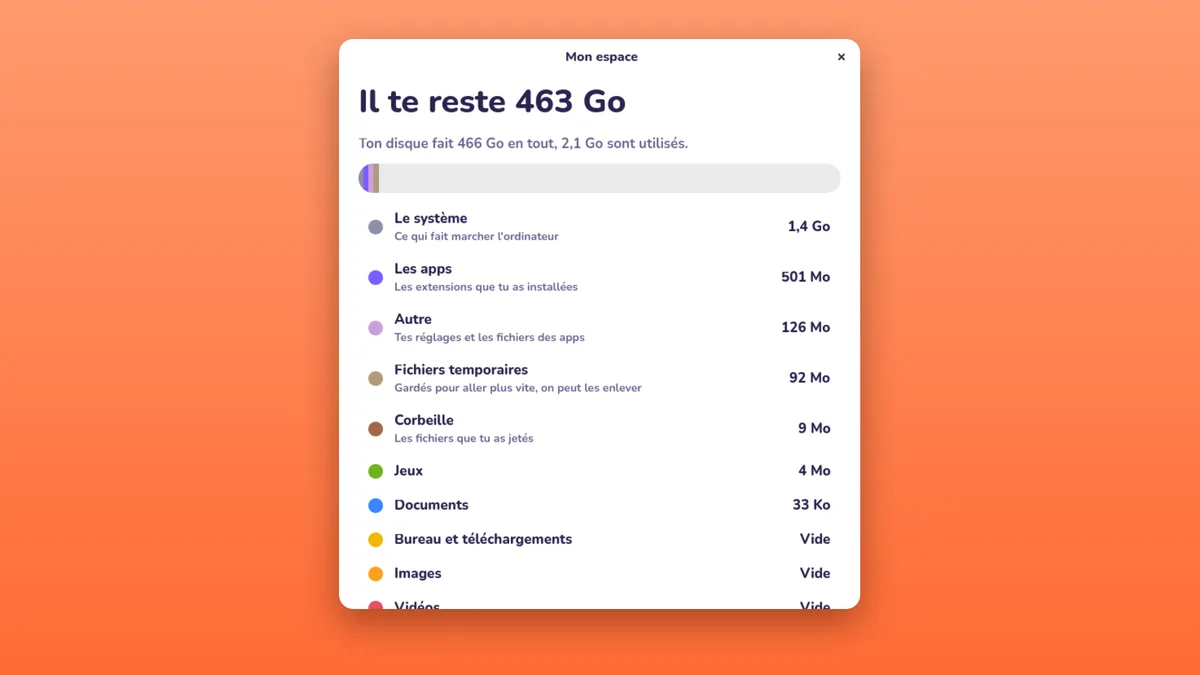
- My space: how much room is left, what takes it, and “make room” without ever touching your files.
- Shared folders: show a folder to a Poto on the same Wi-Fi. Nobody can delete or change your files, and you see who is looking.
A computer that warns you
- Battery: a message at 20 %, 10 % and 5 %.
- “Your disk is getting tired”: the disk's health is read once a week; if it weakens, Fidel offers a backup.
- USB key: “Open”, then “Remove safely”.
- Evening light: the screen gets warmer after 8 pm.
- Update without Internet, from a key prepared on another Yapuka computer.
In the launcher: sums (“15 % de 80”), emojis with Windows + . and the last copied texts with Windows + V. The details are in the documentation.