
Community
betaAsk your questions and help others on the Yapuka community.
- Yapuka app
- Ages 10+
- Communicate
- Parent mode: code asked
What you can do
- Open the Yapuka site’s community in its own window, without going through the browser.
- Ask a question about your computer, and answer other people’s.
- Pick a nickname the first time (never your real first name), then create your account.
- Be signed in automatically after that: the computer is linked to your account.
- Unlink the computer whenever you like, from the app or from “My account” on the site.
Who it is for
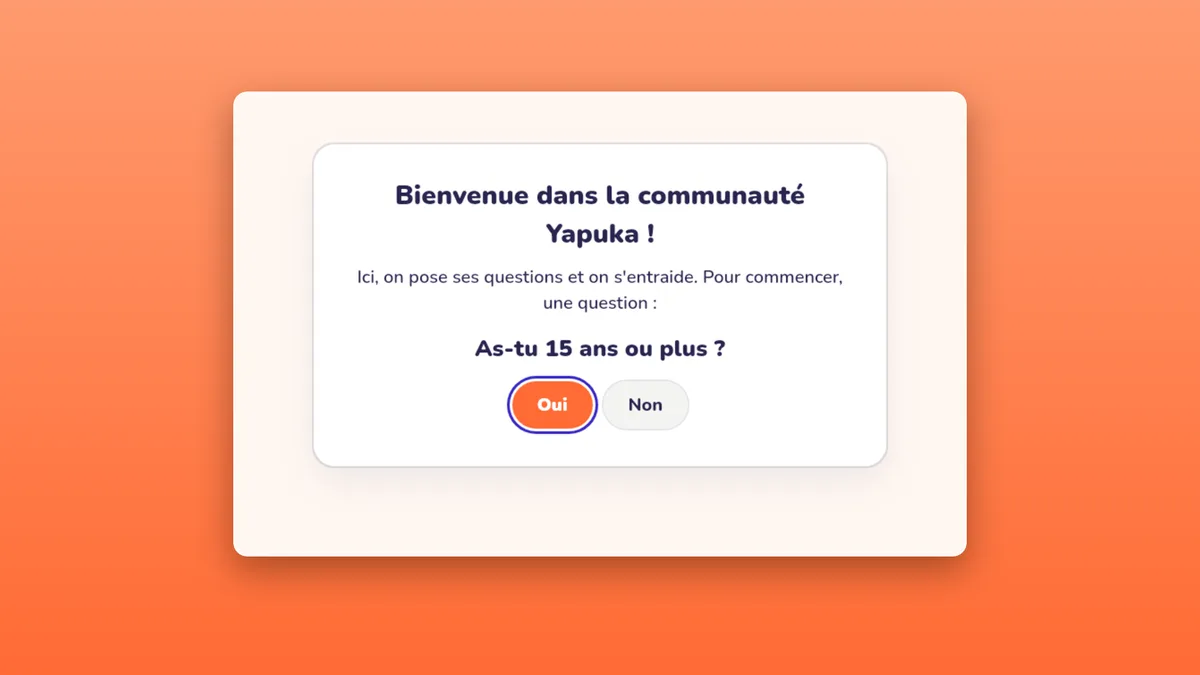
On your own from age 15. Younger, a parent has to agree: if a phone is linked to Parent mode, your parents accept your nickname first.
What it needs
- Memory1.5 GB of memory (RAM) to be comfortable; with less, it works but slowly.
- Disk space≈ 40 KB on the disk, once installed.
- ProcessorAny that runs Yapuka.
- InternetYes, all the time, and an account.
Parent mode
When safe mode is on, this extension asks for the parent code.
How to install it
Open “Extensions” (System group of the dock), find “Community” and press Install. One tap.
Good to know
- It is the only Yapuka app that asks for an account: the site’s community account. Yapuka itself always works with no account.
- The app never keeps your password: it only receives a permission, which you can take back.
- Your parents can remove the account at any time from their phone.
- The Yapuka site is not online yet: until then, the app cannot be used by everyone.
- It needs Internet.
- Size: ≈ 40 KB.