Community, from the computer
Communauté (Community) is an extension: it opens the Yapuka site's community in its own window, to ask a question and help others.
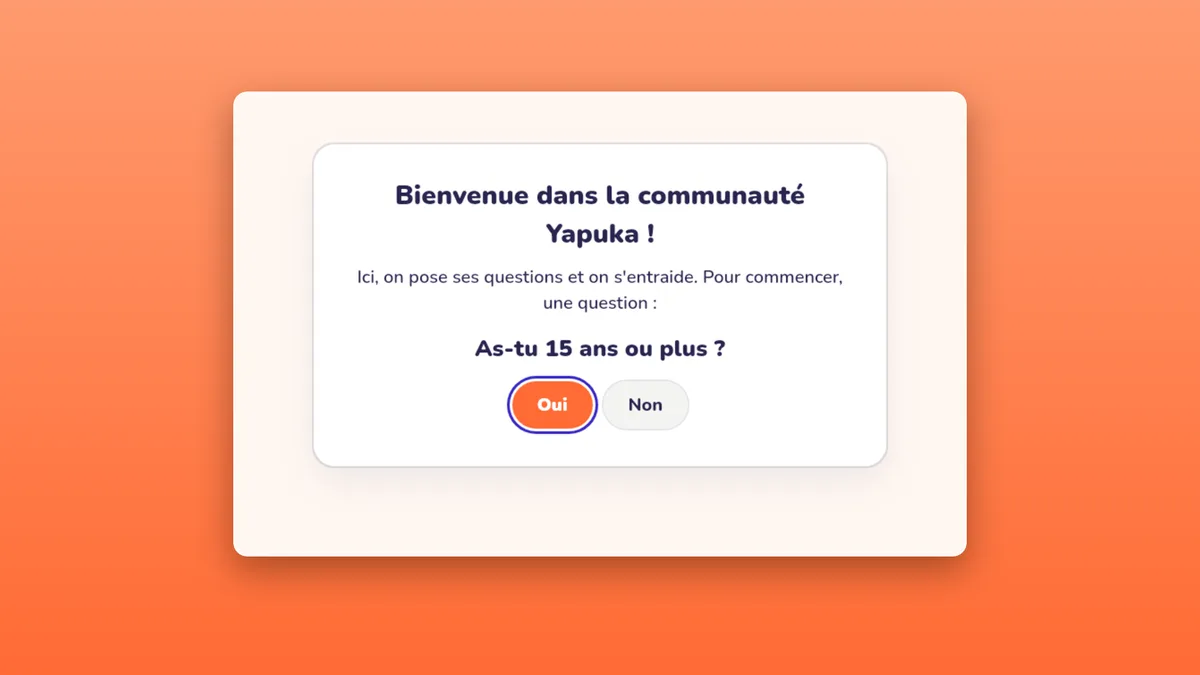
- The first time, the app asks whether you are 15 or older. If not, a parent has to agree: link their phone in Moi › Parents.
- Pick a nickname (never your real first name: the app refuses it). If a phone is linked, your parents accept it first.
- Create your account on the site's page, then accept “Connecter Communauté”.
After that the app signs you in by itself. Your password is never kept on the computer. To stop: Délier cet ordinateur in the app, “My connected apps” in My account on the site, or your parents from their phone.
It is the only Yapuka app that asks for an account. Everything else works without one.
Updated on