All the settings
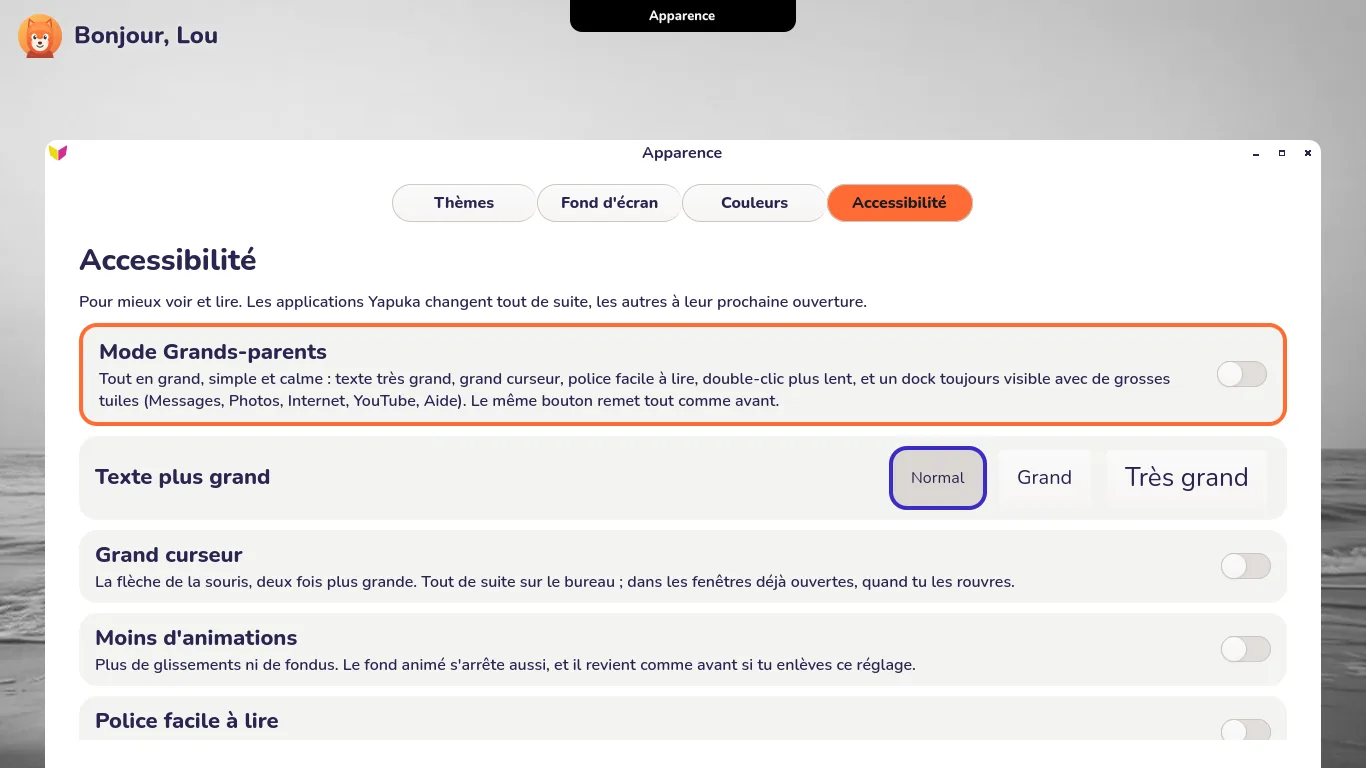
Open Appearance › Accessibility: everything changes at once.
- Bigger text: Normal, Large or Very large.
- Big cursor: the mouse arrow, twice as big, everywhere.
- Less animation: the animated wallpaper stops and movement calms down.
- Easy-to-read font: Andika, letters designed for learning to read (b and d don't look alike).
- High contrast: a black and yellow theme, in Appearance › Themes.
Updated on