Parent mode
Link a phone, Stop, messages, blocked sites, camera, printing, Otto, alerts.
Link a phone
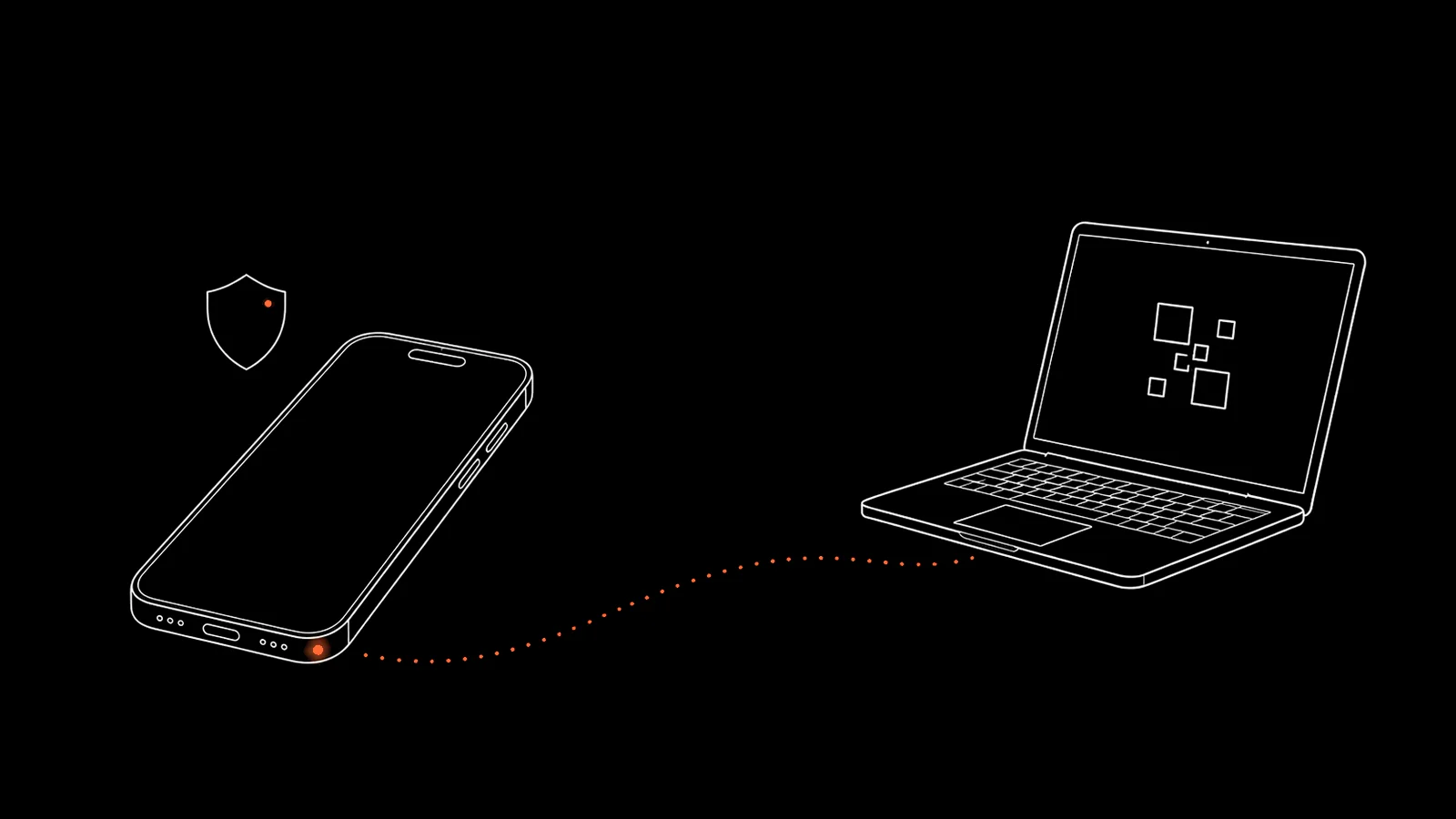
On the computer, open Moi › Parents: a QR code appears. Scan it with the parent's phone, once. Choose your parent code: it unlock…
Stop: take a break
On the phone page, Stop pauses the child's screen: 15 minutes, 30 minutes or until tomorrow, with your message (“Homework first!”…
Messages
Send “Dinner!” from the phone: it shows in Fidel, at the top of the screen, and you see “Seen at 18:42”. The child can answer wit…
Blocked sites
A list of blocked sites, subdomains included, in every mode. You see the latest attempts. Safe mode adds a web filter, the allowe…
The camera
One switch on the phone really cuts off the webcam, not just the picture. An indicator always shows when it is on. In Capture, th…
Printing, Otto, sharing: the other settings
The phone page has grown with Yapuka. Besides Stop, messages, sites and the camera: Printing: allows or switches off printing and…
Alerts (optional)
Pause, time up, blocked site, wrong parent code, computer turned on: you can get these alerts on your phone. They are off by defa…
A parent’s phone can’t connect
The phone talks to the computer over the home Wi-Fi, without going through the Internet. Check in this order: The phone is on the…