The first start
With the computer off, plug the key in, turn it on, press the boot-menu key (often F12, sometimes F2 or Esc) and pick the key.



On some PCs you first need to turn off “Secure Boot” in the start-up settings.
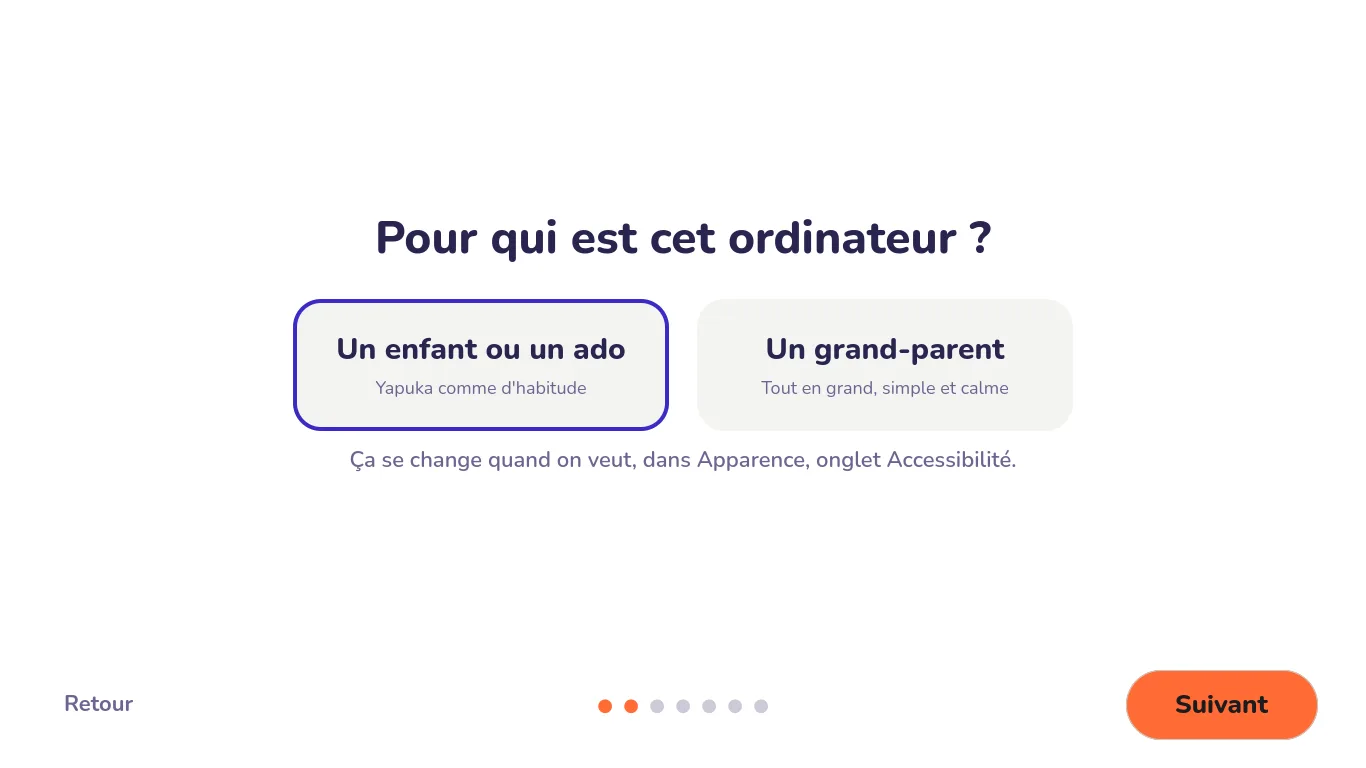
The first start is slower: everything is copied into memory. Then Yapuka welcomes you: your name, your character, your wallpaper.
Updated on