Otto, your little robot
Otto (System group) does things for you when something happens: “When it is 5 pm, then remind me of my homework.” The app is in French.
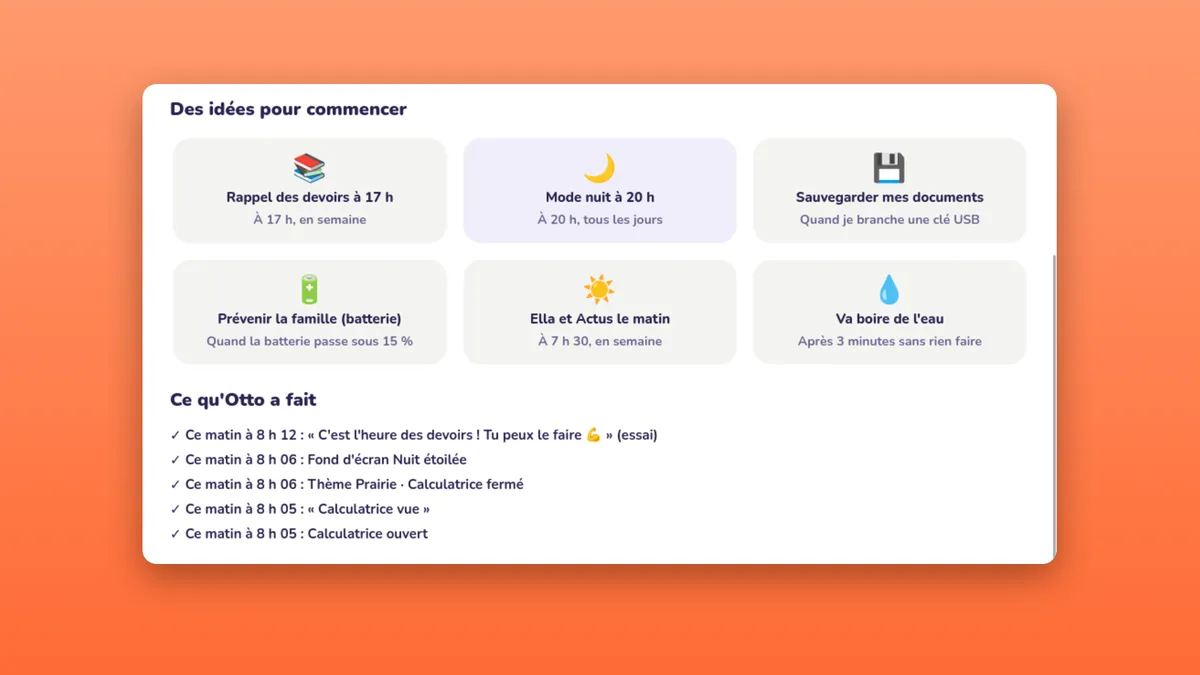
- Ideas to start from: one click is enough. Homework reminder, night mode at 8 pm, back up your documents when you plug in your key, tell your family when the battery is low, Ella and the news in the morning, “Go and drink some water”.
- New automation: choose Quand (when: a time, every hour, your session opening, the Wi-Fi, the battery, the charger, a USB key, an app opening, a few idle minutes, waking up), then Alors (then: open an app, a site or a folder, tell you something, write to your family in Ella, change the theme or the wallpaper, the sound, the brightness, a screenshot, copy a folder to your key), then give it a name.
- The switch turns it on or off. Essayer maintenant runs it right away, to see. Ce qu'Otto a fait keeps track of what happened.
Otto works without Internet and with no account: everything stays on the computer. It never runs an unknown program. In safe mode it can do nothing you couldn't do yourself; your parents can see your automations and pause Otto from their phone.
Copying to a key works with ordinary USB keys (FAT or exFAT): your files go into “Sauvegarde Yapuka”, and nothing there is ever deleted.
Updated on