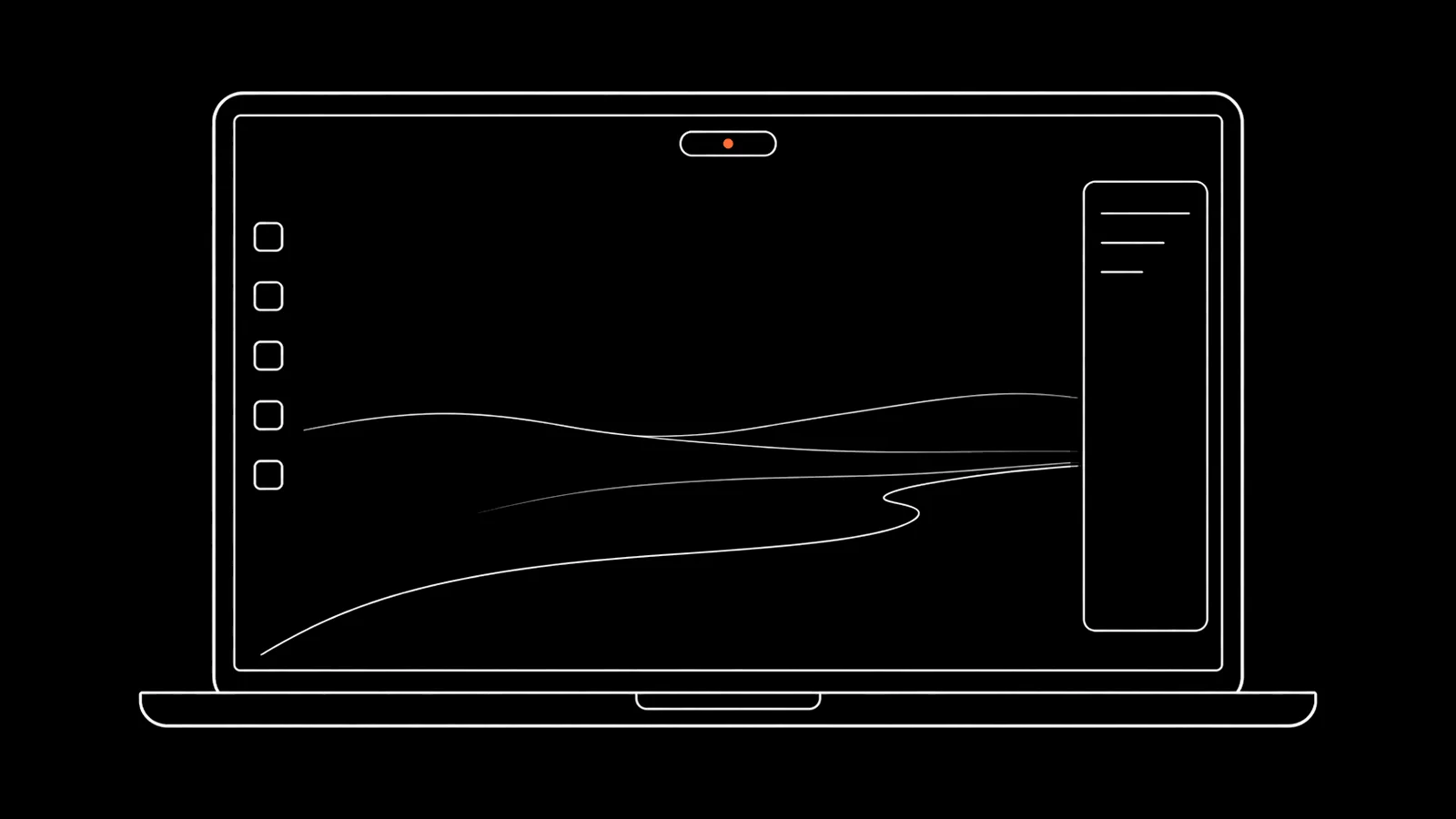
The desktop
The dock, Fidel, Things that matter, the launcher, shortcuts.
The dock
The dock slides in from the left edge when you bring the mouse there (or with Windows+D). Apps are sorted in groups: Moi, Ella, C…
Fidel
Fidel is the black pill at the top of the screen. It shows the open app's title, and notifications come out of Fidel. On hover it…
Things that matter
The dark panel on the right edge (or Windows+N): the time, a calendar, the weather, a note and a timer. Keep the items you want, …
The launcher
Press the Windows key: “What do you want to open?”. Type a few letters: an app, an Andy note, a file, or an action like “Shut dow…
Keyboard shortcuts
Windows: the launcher Windows+D: the dock Windows+N: Things that matter Windows+.: emojis. Type a word, Enter writes it where you…
Screensaver and sleep
After 5 minutes of doing nothing the screensaver comes on: nice pictures, the time and “We'll pick it up whenever you like”. Afte…