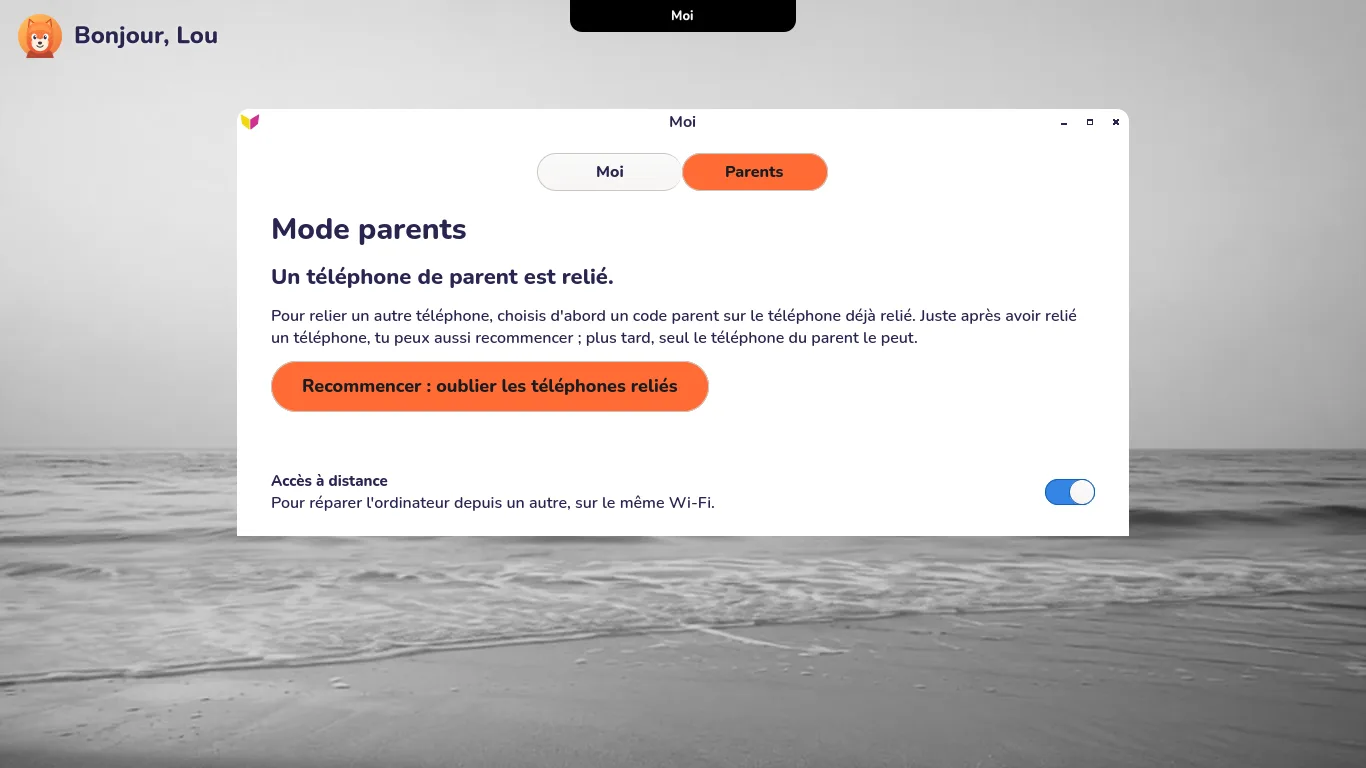
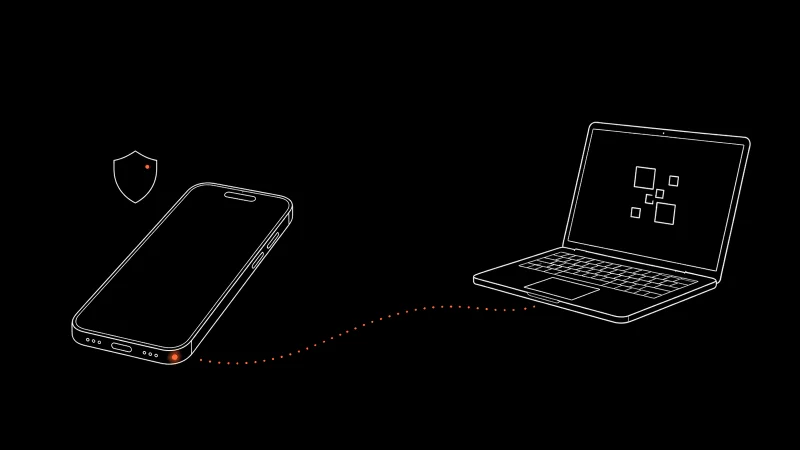
The phone runs the computer. No account, no cloud.
You scan the code shown in Moi › Parents once. After that your phone talks straight to the computer over the home Wi-Fi.
one-time-secret QR · only that phone can manage it afterwards · no server in between
You link the phone once.
You also choose a parent code: it unlocks everything on the spot, even without the phone, and lets you link a second phone.
What you can do from your phone.
Safe mode
Only the apps you pick, a web filter and a daily time limit.
enforced by the system: a blocked app can’t start
Stop
A pause screen the child can’t close: 15 minutes, 30 minutes or until tomorrow, with your message.
“Resume” from the phone, or the parent code
Messages
“Dinner!” shows in Fidel, and you see “Seen at 18:42”.
quick replies for the little ones
Blocked sites
A list of blocked sites in every mode, and the recent attempts.
subdomains included
Camera
One switch really cuts off the webcam. An indicator always shows when it is on.
cut, not just hidden · restored to the right state after a restart
Alerts (optional)
Pause, time up, blocked site: off by default.
switched on, only the child’s first name leaves the house
Printing
One switch allows or turns off printing and scanning.
in every mode
Otto
You see your child’s automations, and you can pause Otto.
in safe mode, Otto does nothing the child couldn’t do
Friends, sharing, homework
Every new Poto waits for your approval. You can close folder sharing, and see how much homework is left.
the number of homework items, never their content
The page on your phone.
Stop, break length, message, then “Resume”. You can keep it on the home screen with its orange icon: a real app on iPhone, a shortcut on Android.
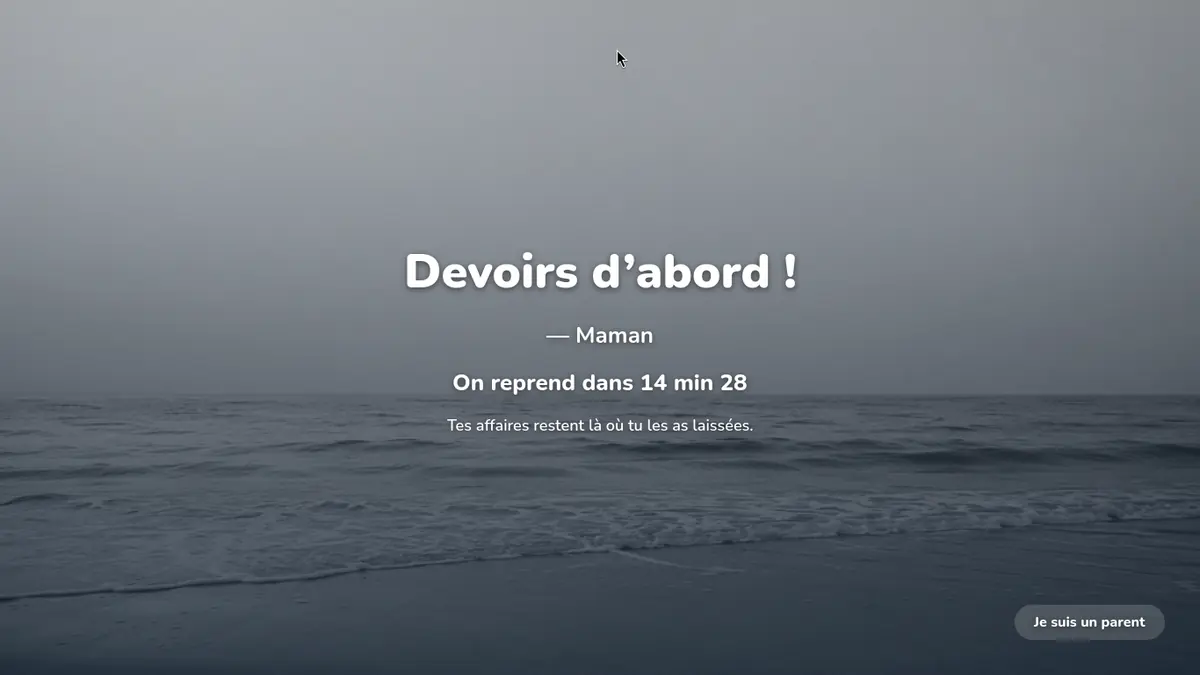
What the child sees.
“Homework first!” Their things stay where they left them, and the time left is shown.
What parents ask.
Do I need an account?
No. Neither for Yapuka nor for parent mode: your phone and the computer talk directly over the home Wi-Fi.
Can my child install anything?
“Extensions” only offers extensions signed by Yapuka. In safe mode most ask for the parent code. And nothing installs by itself, updates included.
What about when we’re away from home?
Today your phone must be on the same Wi-Fi as the computer. A small end-to-end encrypted relay, to manage from afar, is built but not online yet.
What does parent mode not protect against?
Someone with the computer in hand who knows how to start another system: there is no boot password and no disk encryption. And the site filter does not see everything. A firewall closes the rest: the parents’ page only answers on the home network. Read the full list.
Does it work on iPhone and Android?
The page opens in the browser of both. Tests on a real iPhone and a real Android phone are still to do.