
Inkscape
betaDraw logos, posters and illustrations that always stay sharp.
- Full program
- Ages 10+
- Create
- Parent mode: allowed
- Works offline
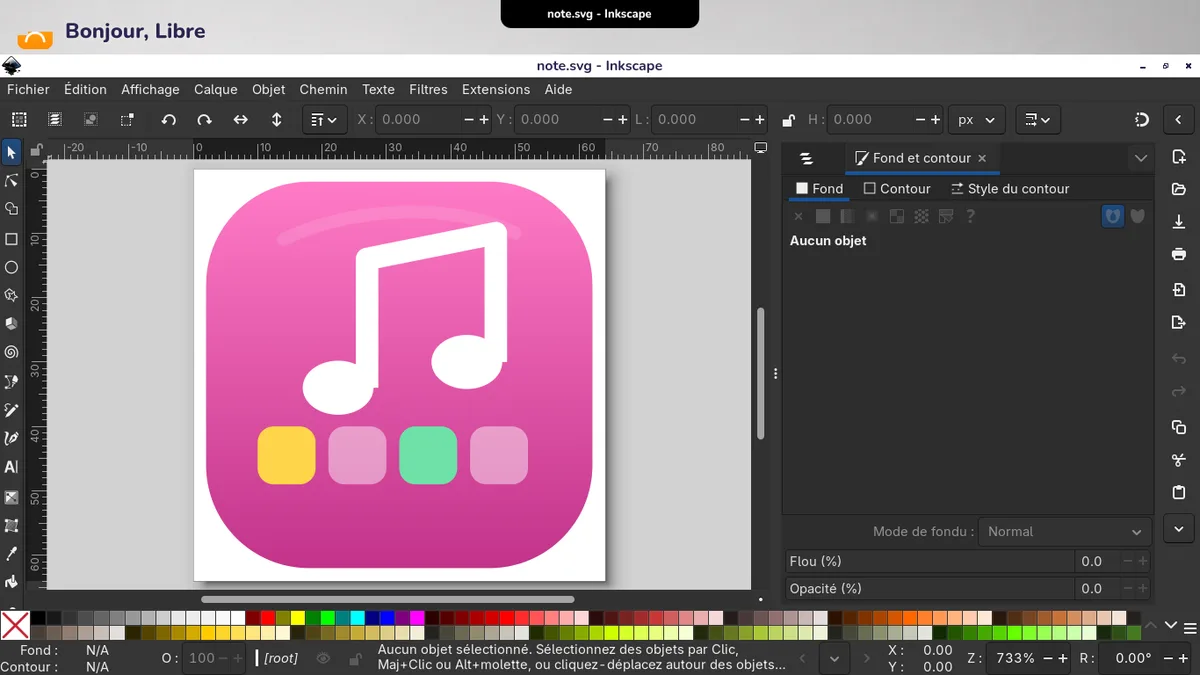
What you can do
- Draw shapes, curves and arrows that stay sharp at any size.
- Make a logo, a poster, a badge or an invitation card.
- Write text and set it along a curve.
- Save as SVG, export to PNG or PDF for printing.
Who it is for
From about age 10 (a guide, not a rule). Vector drawing takes some practice: you move points and curves rather than a brush.
What it needs
- Memory2 GB of memory (RAM) to be comfortable; with less, it works but slowly.
- Disk space≈ 135 MB on the disk, once installed.
- ProcessorAny that runs Yapuka.
- InternetNo: it works without Internet.
Parent mode
This extension is allowed even when safe mode is on.
How to install it
Open “Extensions” (System group of the dock), find “Inkscape” and press Install. One tap. Once installed, it works without Internet.
Good to know
- In French, works without Internet, no account.
- SVG files also open in the web browser.
- On an older computer it takes a while to start.
- Size: ≈ 135 MB.