
Code
betaDiscover programming with the turtle: blocks, Python and web pages.
- Yapuka app
- Ages 8+
- Learn
- Parent mode: allowed
- Works offline
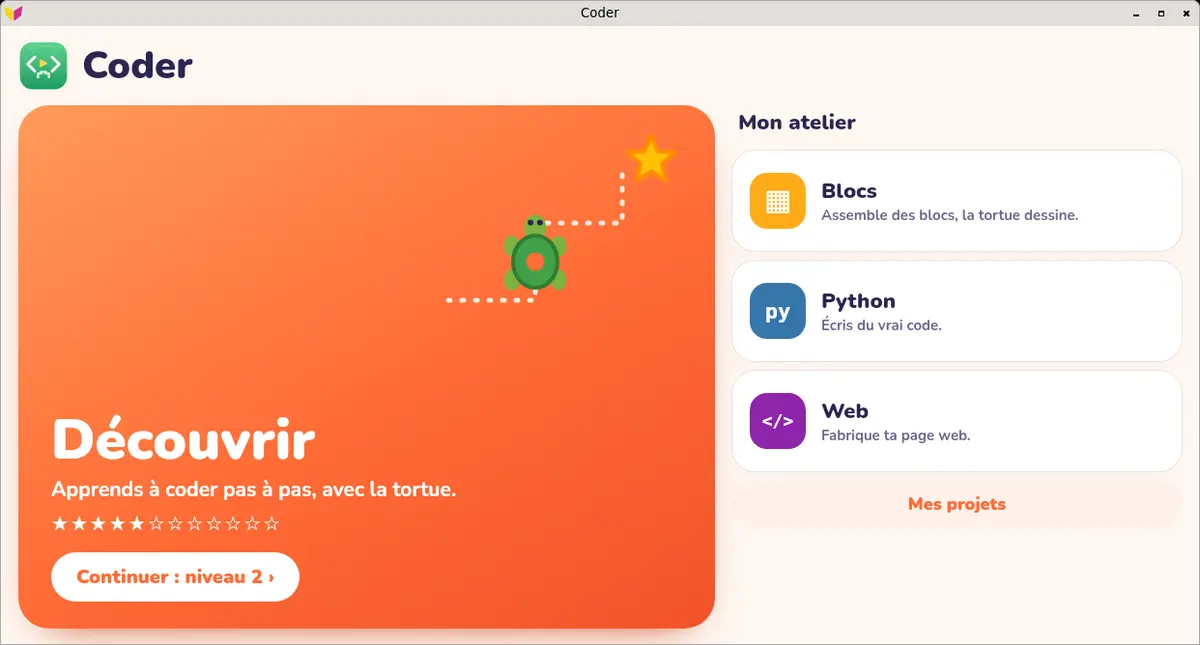
What you can do
- In “Discover”, help the turtle catch stars and draw, one idea at a time: sequence, loop, condition, variable, function.
- Start with blocks, then move on to real Python.
- In “My workshop”, make block drawings, Python programs with the turtle, or web pages in HTML, CSS and JavaScript.
Who it is for
From about age 8 (a guide, not a rule). You start from zero, with blocks, then move on to real Python when you want.
What it needs
- Memory1.5 GB of memory (RAM) to be comfortable; with less, it works but slowly.
- Disk space≈ 2 MB on the disk, once installed.
- ProcessorAny that runs Yapuka.
- InternetNo: it works without Internet.
Parent mode
This extension is allowed even when safe mode is on.
How to install it
Open “Extensions” (System group of the dock), find “Code” and press Install. One tap. Once installed, it works without Internet.
Good to know
- Everything works without Internet.
- No account.
- Your projects are kept in Documents › Code.
- Size: ≈ 2 MB.