
Blender
betaCreate in 3D: objects, characters, animations and rendered images.
- Full program
- Ages 12+
- Create
- Parent mode: code asked
- Works offline
- Powerful computer recommended
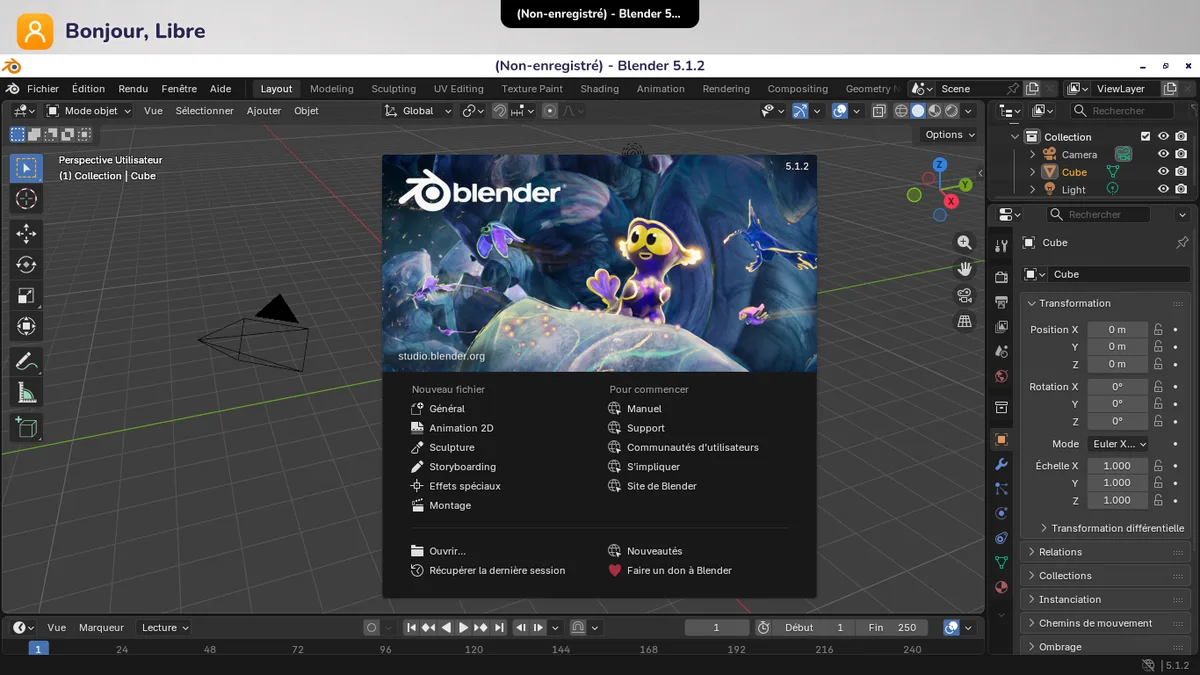
What you can do
- Model objects and characters in 3D.
- Paint them, light them and place a camera.
- Animate them, then render an image or a short film.
- Sculpt, like with digital modelling clay.
Who it is for
Rather from age 12 (a guide, not a rule), for motivated young people: Blender is very complete and takes time to learn.
What it needs
- Memory8 GB of memory (RAM) to be comfortable; with less, it works but slowly.
- Disk space≈ 640 MB on the disk, once installed.
- ProcessorA processor from 2011 or later (it must support SSE4.2). On an older one, Blender does not start.
- GraphicsOpenGL 4.3 support: most computers since 2014 have it. With an older card, Blender does not start.
- InternetNo: it works without Internet.
Parent mode
When safe mode is on, this extension asks for the parent code.
How to install it
Open “Extensions” (System group of the dock), find “Blender” and press Install. One tap. Once installed, it works without Internet.
Good to know
- Powerful computer recommended: on an older computer or with a small graphics card it can be very slow, or not start at all (it needs a recent processor, with SSE4.2).
- Yapuka starts it in French; you can change the language in Edit › Preferences.
- Works without Internet, no account.
- Safe mode asks for the parent code to install it.
- Size: ≈ 640 MB.