
Audacity
betaRecord your voice and edit sounds: podcast, talk, music.
- Full program
- Ages 10+
- Create
- Parent mode: allowed
- Works offline
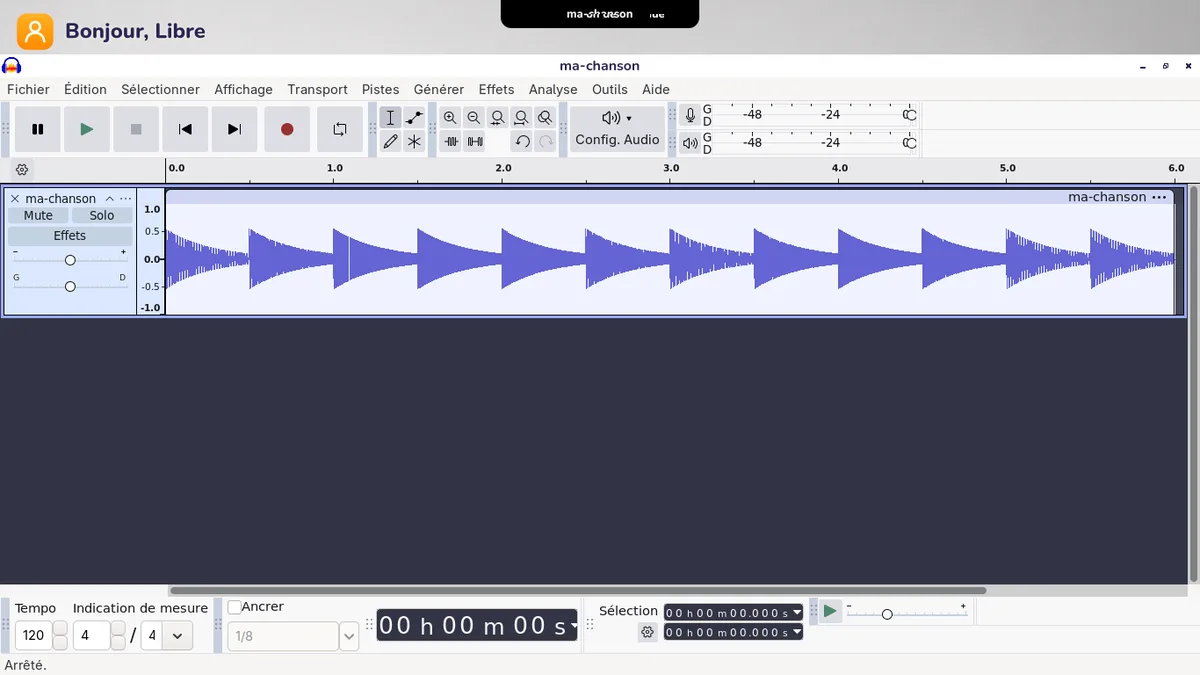
What you can do
- Record your voice or an instrument with the microphone.
- Cut, paste and join pieces of sound.
- Mix a voice and music on several tracks.
- Adjust the volume, remove hiss, add an echo.
- Export to MP3, WAV or OGG.
Who it is for
From about age 10 (a guide, not a rule), for a podcast, a spoken presentation or a little radio show. To make music by playing, “My music” is simpler.
What it needs
- Memory2 GB of memory (RAM) to be comfortable; with less, it works but slowly.
- Disk space≈ 190 MB on the disk, once installed.
- ProcessorAny that runs Yapuka.
- InternetNo: it works without Internet.
Parent mode
This extension is allowed even when safe mode is on.
How to install it
Open “Extensions” (System group of the dock), find “Audacity” and press Install. One tap. Once installed, it works without Internet.
Good to know
- Yapuka starts it in French (on its own it would open in English).
- Works without Internet, no account.
- On first start a welcome window opens: tick “Don’t show again” if you like.
- Size: ≈ 190 MB.