
VLC
betaPlays almost every video and music file, even rare formats.
- Full program
- Ages 8+
- Have fun
- Parent mode: code asked
- Works offline
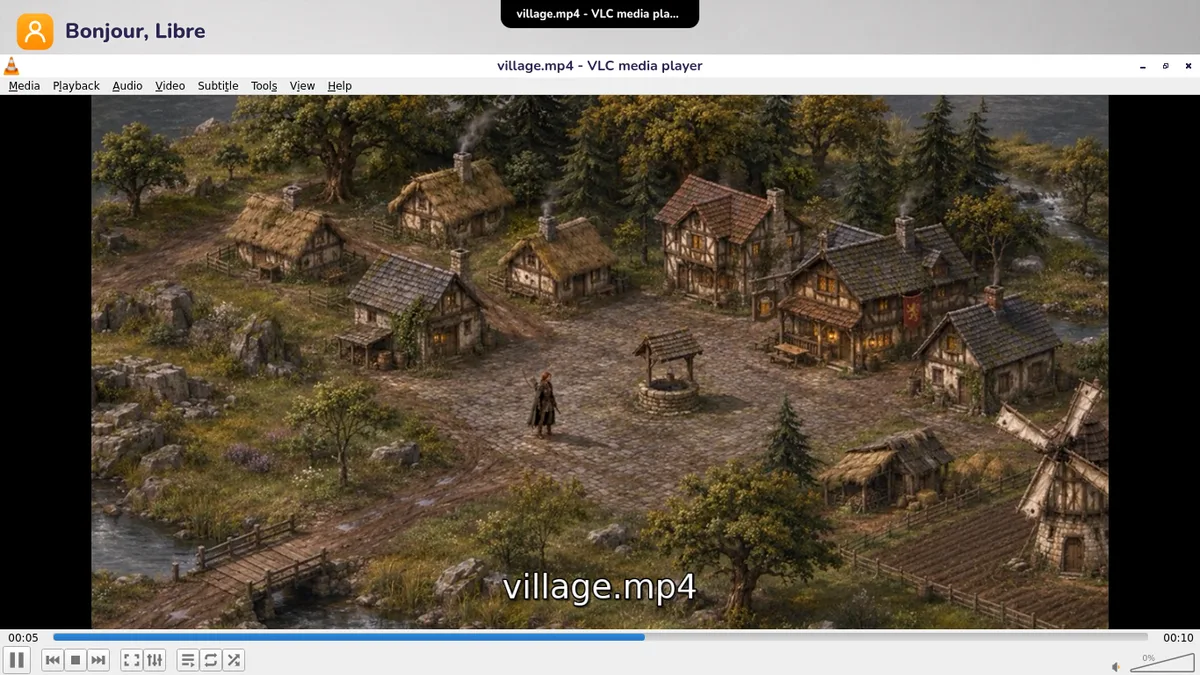
What you can do
- Play almost every video and audio file, even rare formats.
- Show subtitles and choose the audio language.
- Speed playback up or slow it down.
- Play a video from an Internet address.
Who it is for
For the whole family. Yapuka already has “Videos” to watch your films: VLC is mostly useful when a file refuses to open.
What it needs
- Memory1 GB of memory (RAM) to be comfortable; with less, it works but slowly.
- Disk space≈ 175 MB on the disk, once installed.
- ProcessorAny that runs Yapuka.
- InternetNo: it works without Internet.
Parent mode
When safe mode is on, this extension asks for the parent code.
How to install it
Open “Extensions” (System group of the dock), find “VLC” and press Install. One tap. Once installed, it works without Internet.
Good to know
- For now, VLC is in English on Yapuka: the Alpine Linux build has no French translation.
- Yapuka turns off the automatic cover and title lookup on the Internet, and the privacy question on first start.
- Because it can play videos from the Internet, safe mode asks for the parent code.
- Size: ≈ 175 MB.