
Games
betaThe games of the portal: download them once, play without Internet.
- Yapuka app
- All ages
- Have fun
- Parent mode: code asked
- Works offline
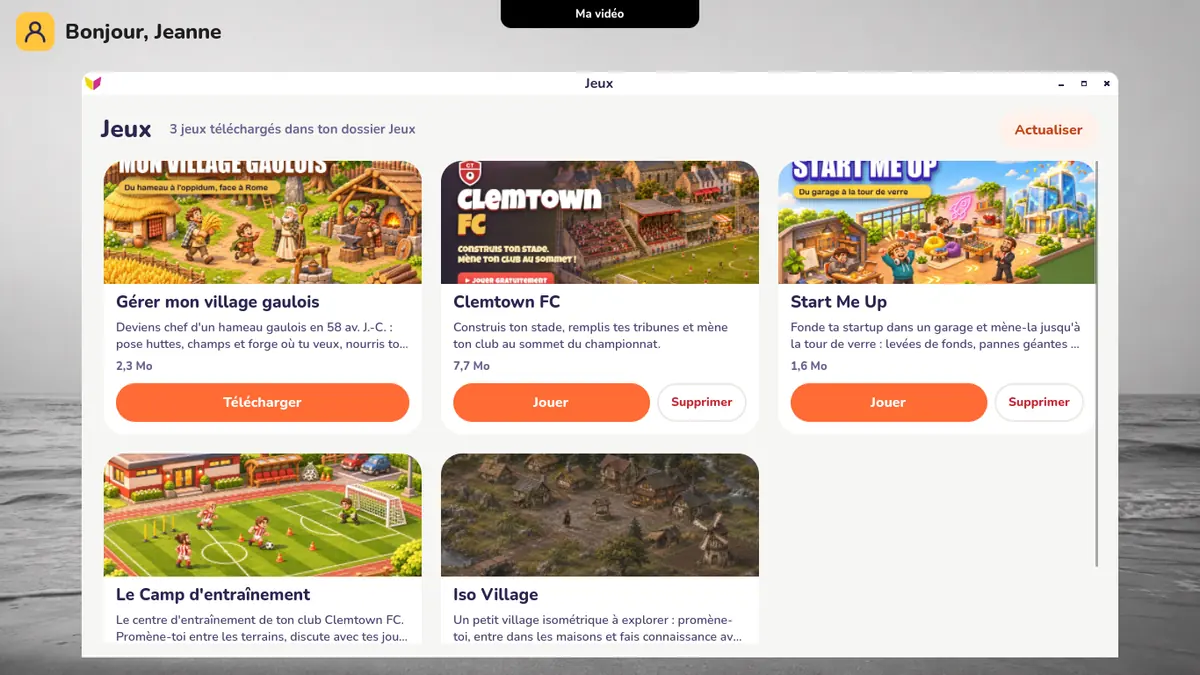
What you can do
- Pick a game from the portal and press Download.
- Then play even without a connection.
- Find your game again next time: it is saved on the computer.
- Update a game when an Update button appears.
Who it is for
All ages: each game has its own audience, shown on the portal.
What it needs
- Memory1.5 GB of memory (RAM) to be comfortable; with less, it works but slowly.
- Disk space≈ 60 KB (+ the games you download) on the disk, once installed.
- ProcessorAny that runs Yapuka.
- InternetNo: it works without Internet.
Parent mode
When safe mode is on, this extension asks for the parent code.
How to install it
Open “Extensions” (System group of the dock), find “Games” and press Install. One tap. Once installed, it works without Internet.
Good to know
- A game downloads once, then plays without Internet.
- No account.
- Your game stays on this computer.
- Game texts are in French.
- Size: ≈ 60 KB (+ the games you download).