
Krita
betaPaint and draw on the computer, with hundreds of brushes.
- Full program
- Ages 8+
- Create
- Parent mode: allowed
- Works offline
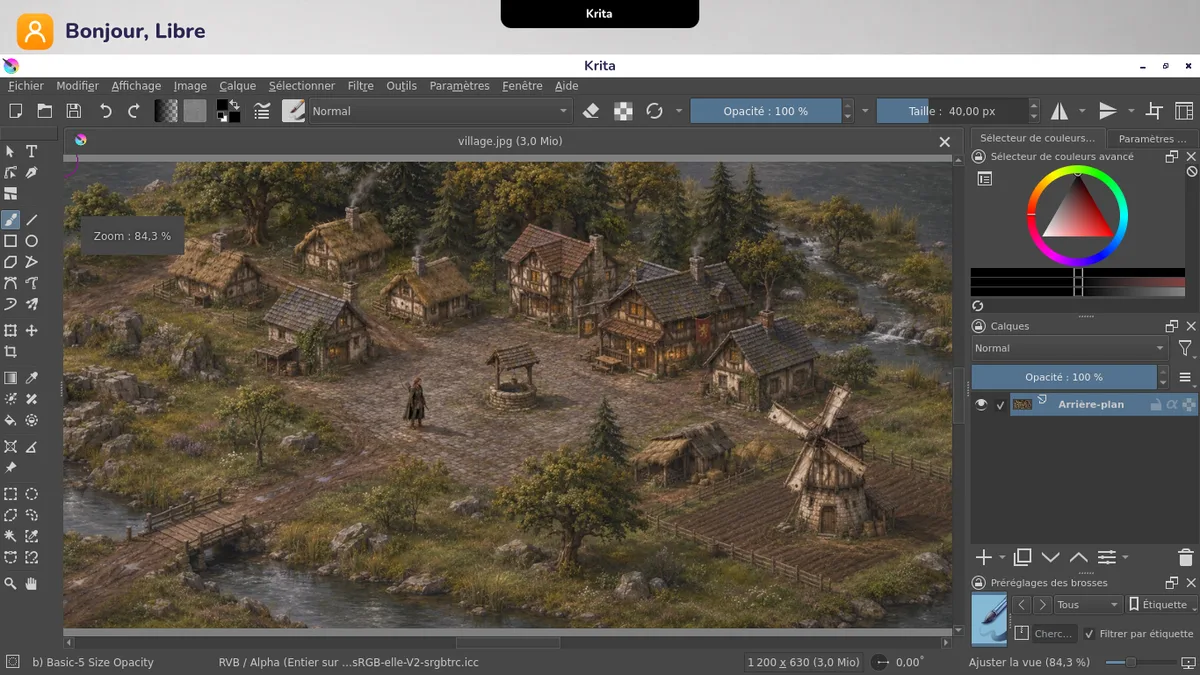
What you can do
- Paint and draw with pencils, brushes, watercolour or ink.
- Work in layers, like transparent sheets.
- Make a small frame-by-frame animation.
- Touch up or colour an image from your Pictures folder.
Who it is for
From about age 8 (a guide, not a rule), especially for children who love drawing. A graphics tablet makes a big difference, but a mouse works too.
What it needs
- Memory4 GB of memory (RAM) to be comfortable; with less, it works but slowly.
- Disk space≈ 340 MB on the disk, once installed.
- ProcessorAny that runs Yapuka.
- InternetNo: it works without Internet.
Parent mode
This extension is allowed even when safe mode is on.
How to install it
Open “Extensions” (System group of the dock), find “Krita” and press Install. One tap. Once installed, it works without Internet.
Good to know
- In French, works without Internet, no account; a few rare windows stay in English.
- It is a big application: on an older computer it starts slowly.
- Drawings are saved as .kra and export to PNG or JPEG.
- Size: ≈ 340 MB.