Making your first video game (2/4): the characters
· 2 min read

A management game is a team you help grow. In the second step, you invent the characters: what they can do, and who they are.
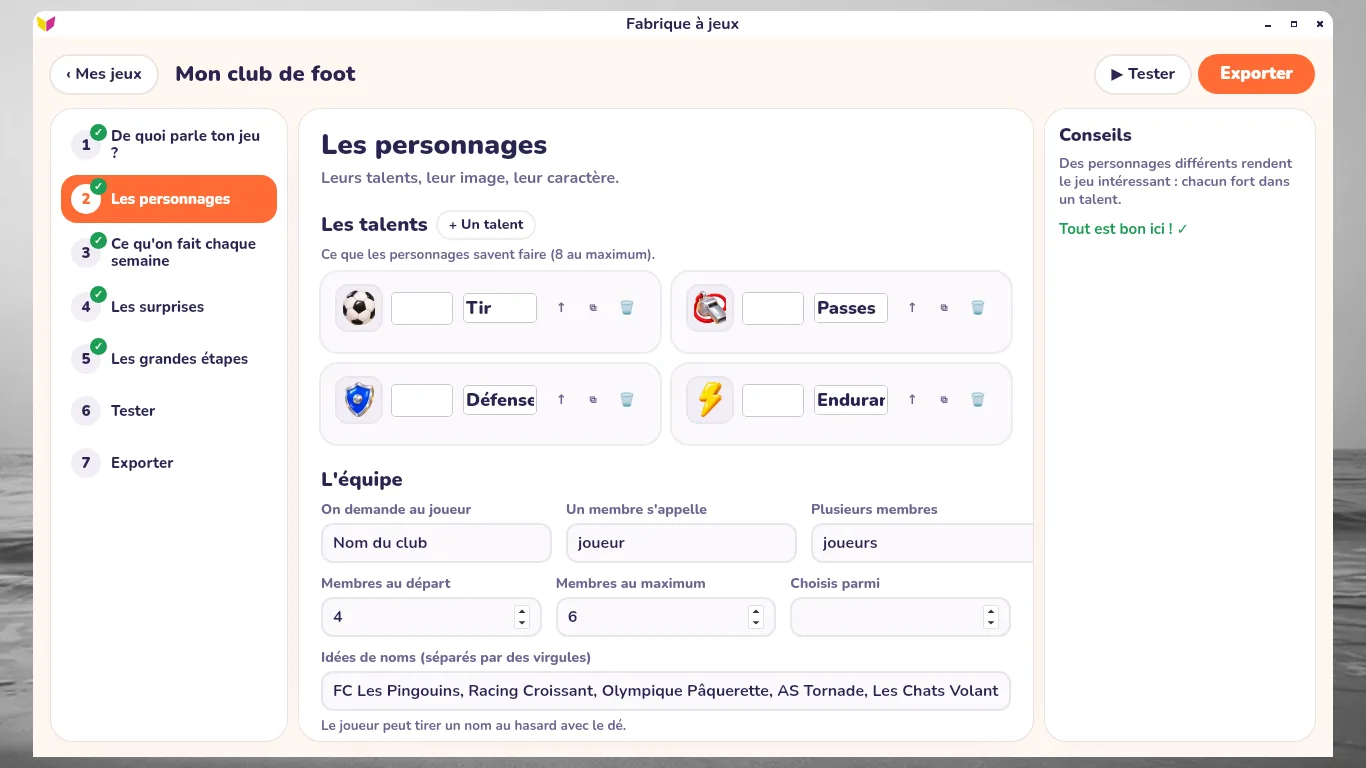
Talents
A talent is something your characters can do, eight at most. In the football club template: Shooting, Passing, Defence, Stamina. In a music band it would be more like Singing, Guitar or Rhythm. Each talent has a name and a small icon, and improves as the weeks go by.
The team
Then you set the shape of the team:
- what it is called when the player is asked (“Club name”);
- what a member is called (“player”), and in the plural (“players”);
- the number of members at the start, and at most;
- name ideas, separated by commas: the player can draw one at random, like rolling a die.
A box lets you decide whether new members can be recruited during the game: you then choose how many weeks apart new candidates arrive, and how many.
Characters and their pictures
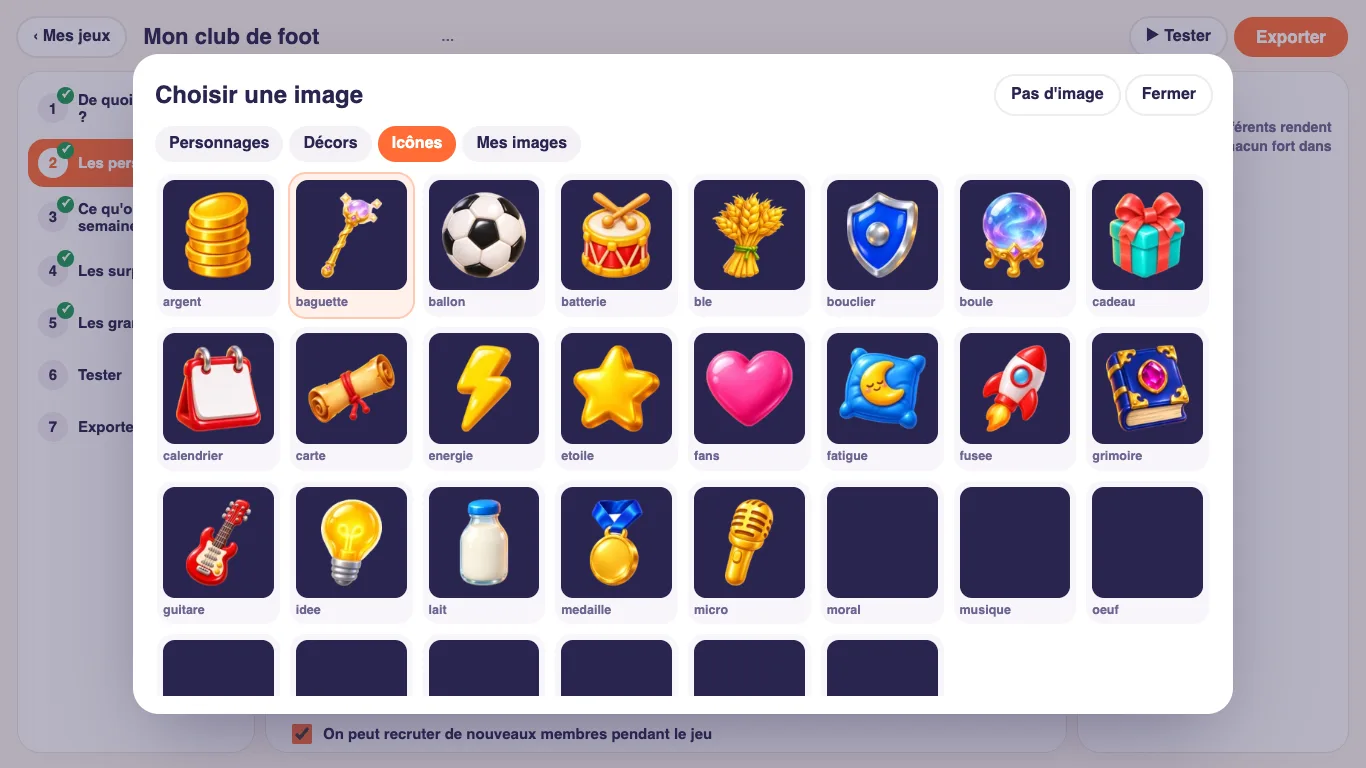
Finally you add the characters one by one. For each, you pick a picture: the “Choose an image” window offers characters, backdrops, icons, and also My images if you want to use your own.
You can also pick the words for condition: how we say a character is in good shape or tired in your story.
Next step: each week and the surprises, the heart of the game.
Learn more: the Game maker extension page and its documentation article.