Grandparent mode: a big, simple, calm computer
· 1 min read
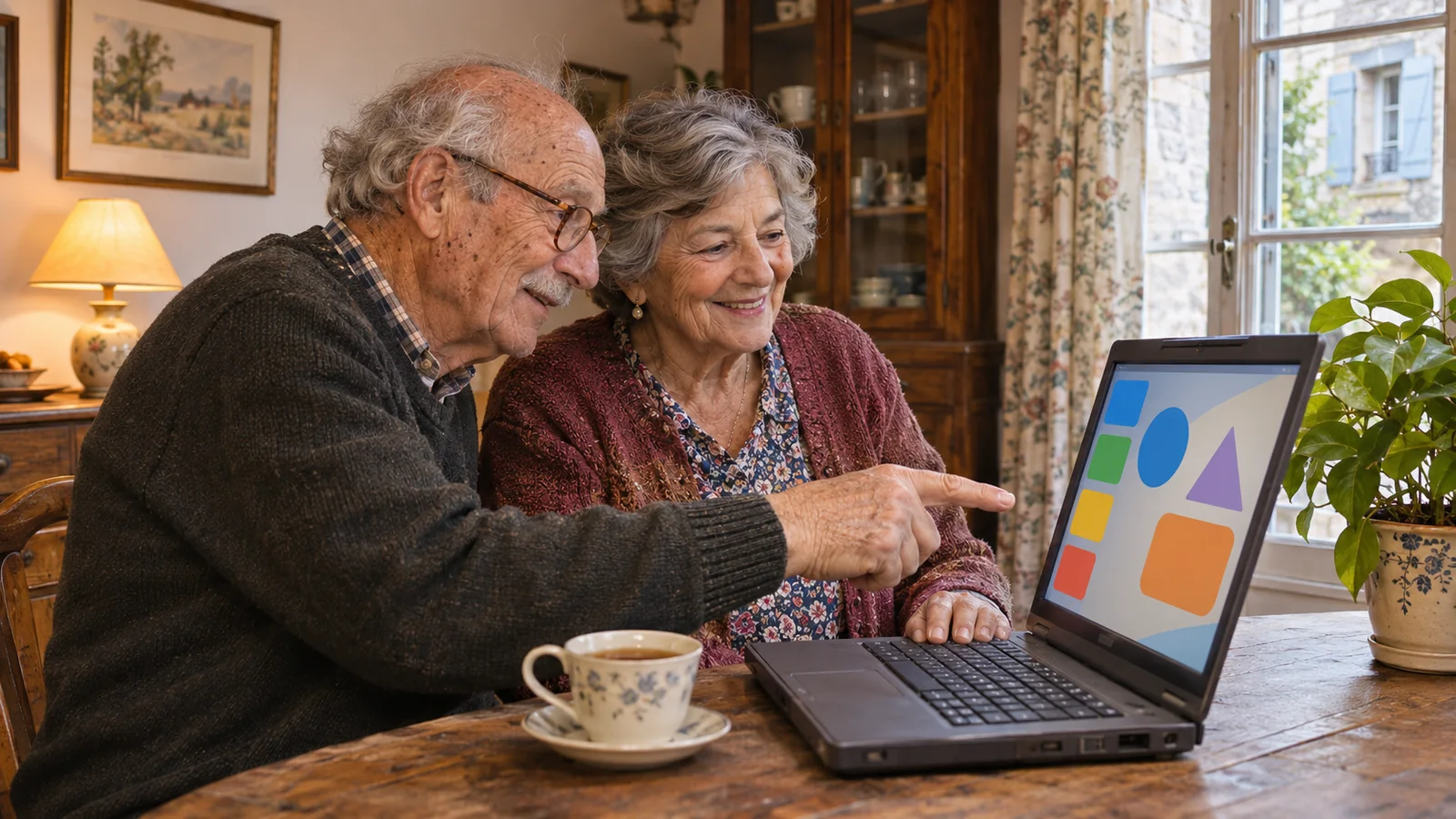
One switch, and the whole computer becomes big, simple and calm.
- Very large: very large text, a bigger cursor, an easier-to-read font, a slower double-click. High contrast is available just below.
- A dock that never hides, with big labelled tiles: Messages, Photos, Internet, YouTube, Help, Shut down. Everything else is under “More apps”.
- Calm: notifications are shown in full, big, and for longer. The screensaver is just the clock.
- A Help button: it sends “I need help” to the family's phones, through Yapuka's messaging (Ella · Family). No account, no new server.
How to turn it on
At first start (“Who is this computer for?” then “A grandparent”), in Appearance › Accessibility, or from a parent's phone. The same switch puts everything back as it was.
One honest limit: video calls are not possible yet in Yapuka.
Grandparent mode in the documentation · all of accessibility